Capacity Exchange DAO
Set up account information
This information helps the CED platform - as well as the Explorers and Guides you connect with - better understand you and provide the most suitable support during Sessions.
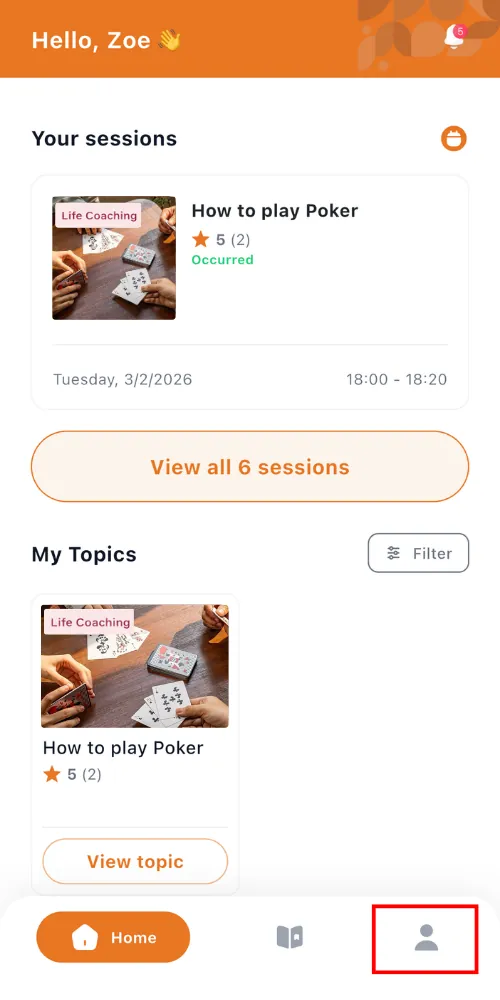
Go to My Account in your CED App
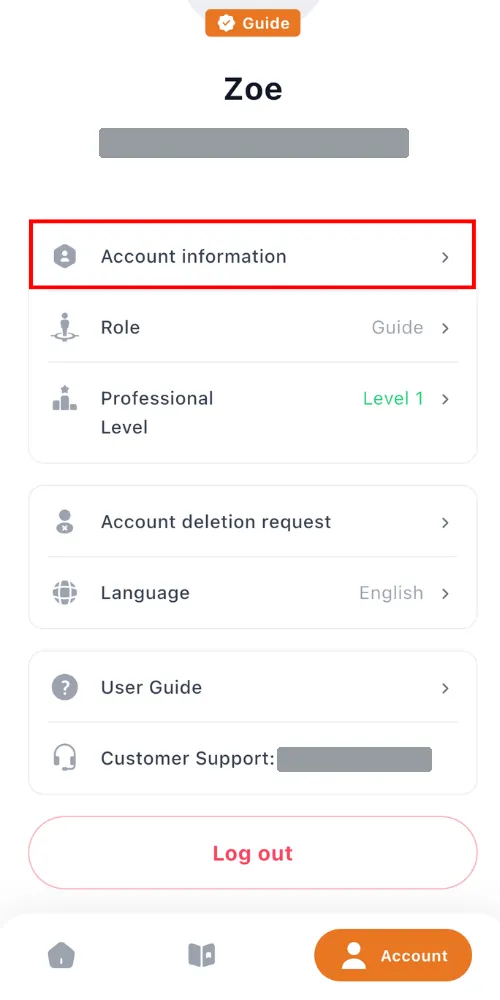
Go to Account Information
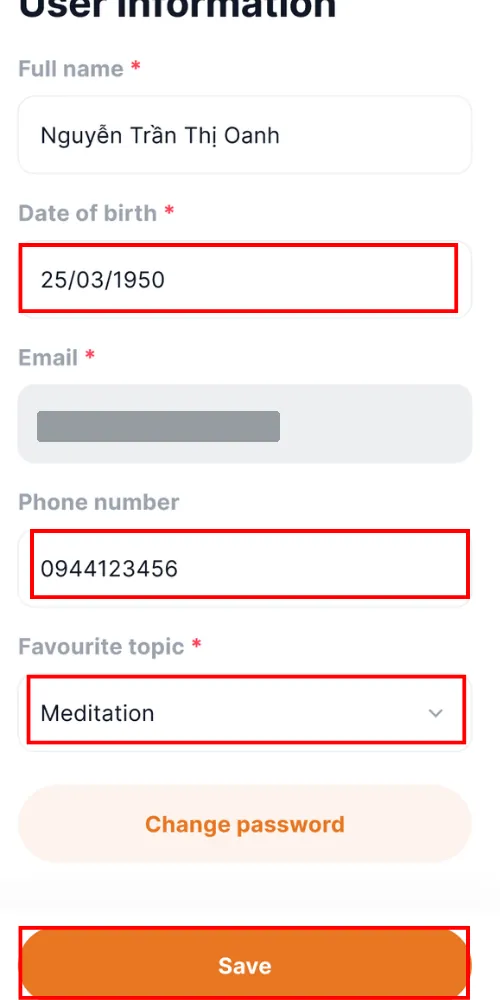
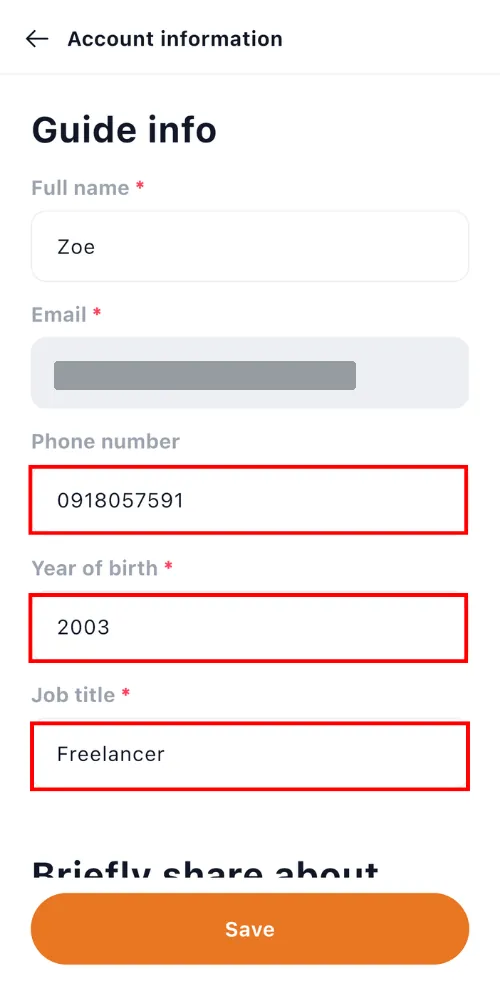
Fill in your “Personal Detailed Information” on Guide page (if you registered Guide Role), including your:
- Full name
- Phone number
- Year of birth
- Job title
- ...
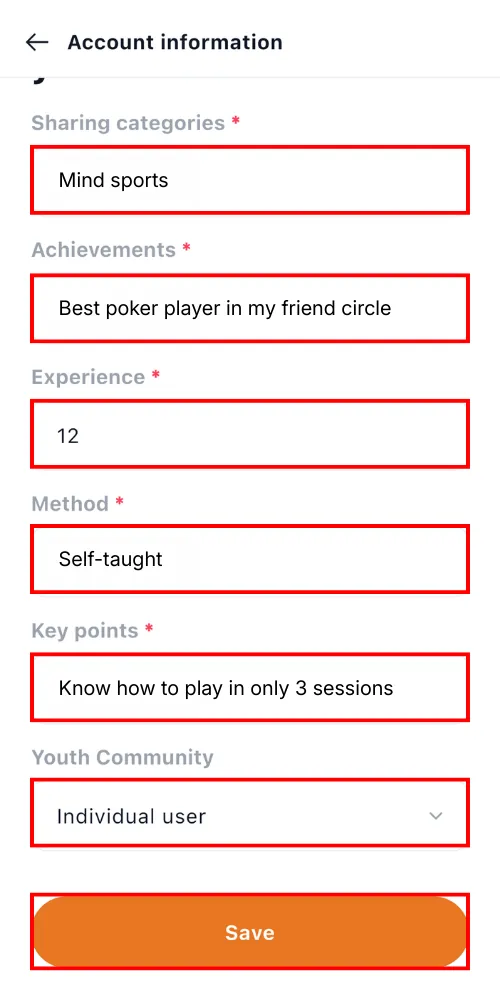
Fill in your “Personal Detailed Information” on Explorer information page (if you registered Explorer role):