Capacity Exchange DAO
Confirming Completion Status for a Session That Did Not Meet the Required Duration
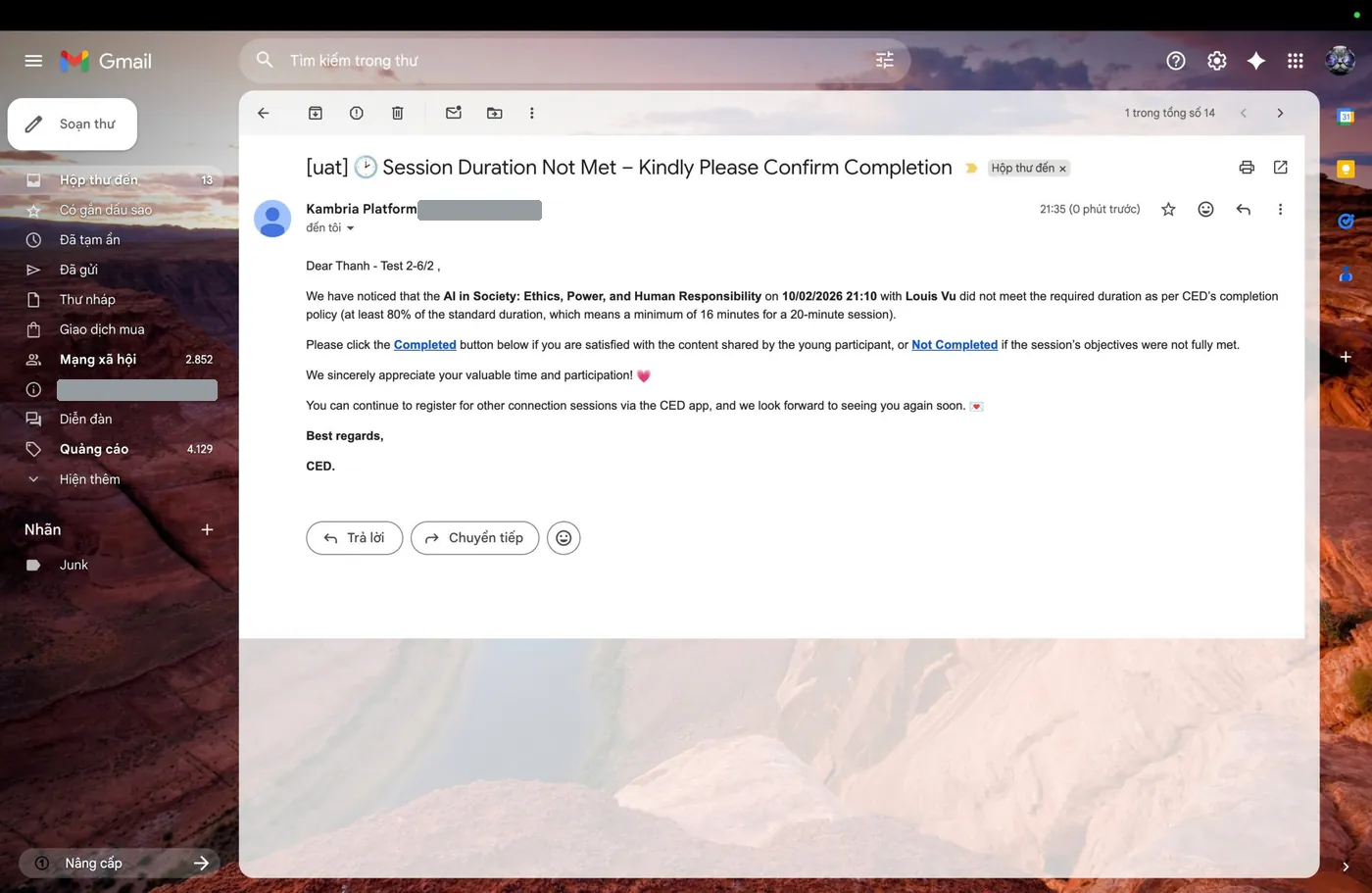
If the Session did not meet the minimum duration, you will receive an email notification about the incomplete Session approximately 60 minutes after the Session ends. Please confirm whether the Session is "Completed" or "Not Completed". If no response is received within 3 days, CED will automatically record the Session as completed.
Steps to confirm the session as “Completed” or “Not Completed”
Log in to the CED website using the email address you registered with for your CED account.
Select “Completed” or “Not Completed” from the email notification regarding the “Session That Did Not Meet the Required Duration.”
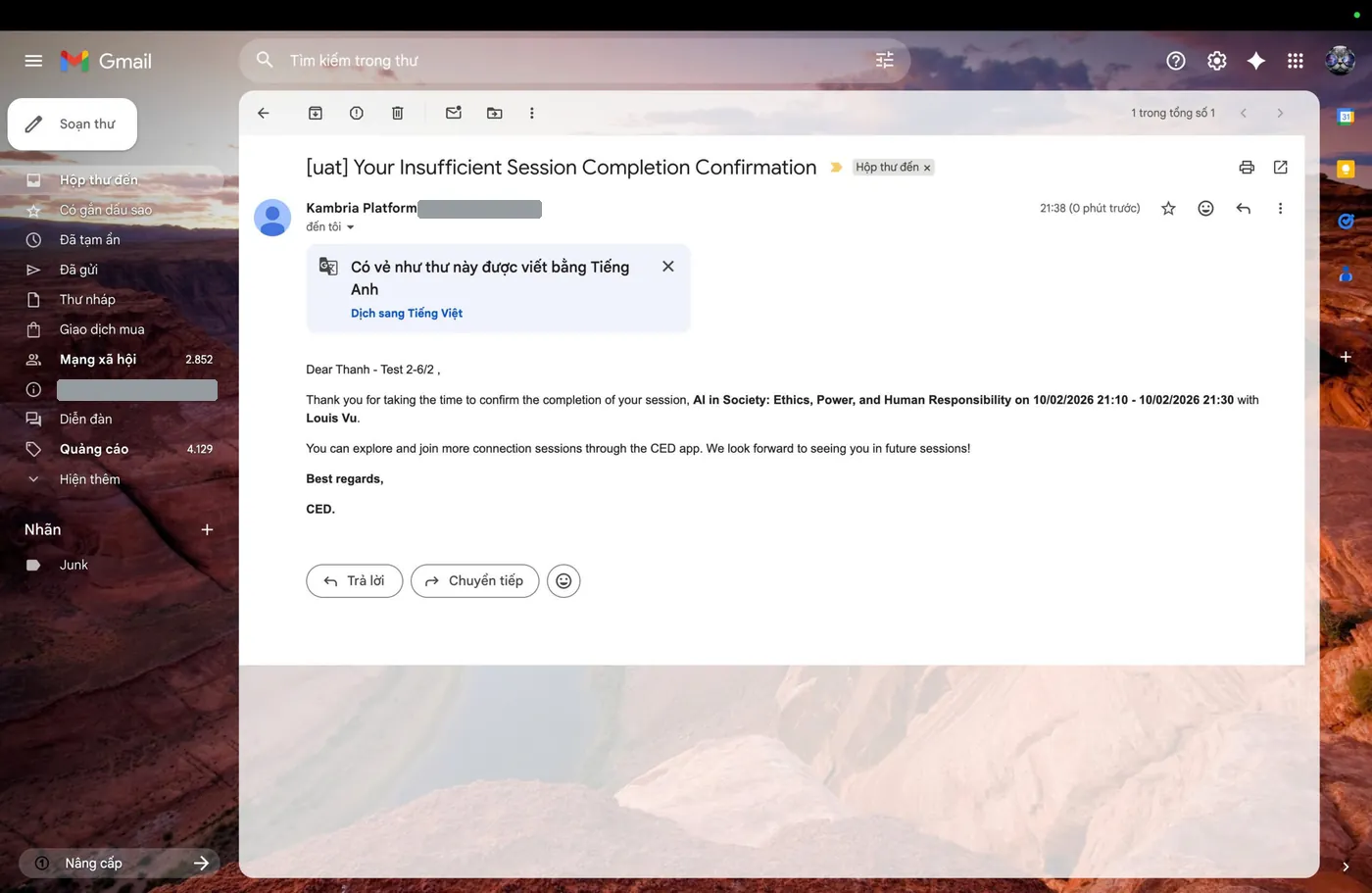
After you have confirmed a “Completed” Session (a session that did not meet 80% of the standard duration), you will receive an email notification as illustrated.