Capacity Exchange DAO
How to Pin Screen in session
Table of Contents
[Web]
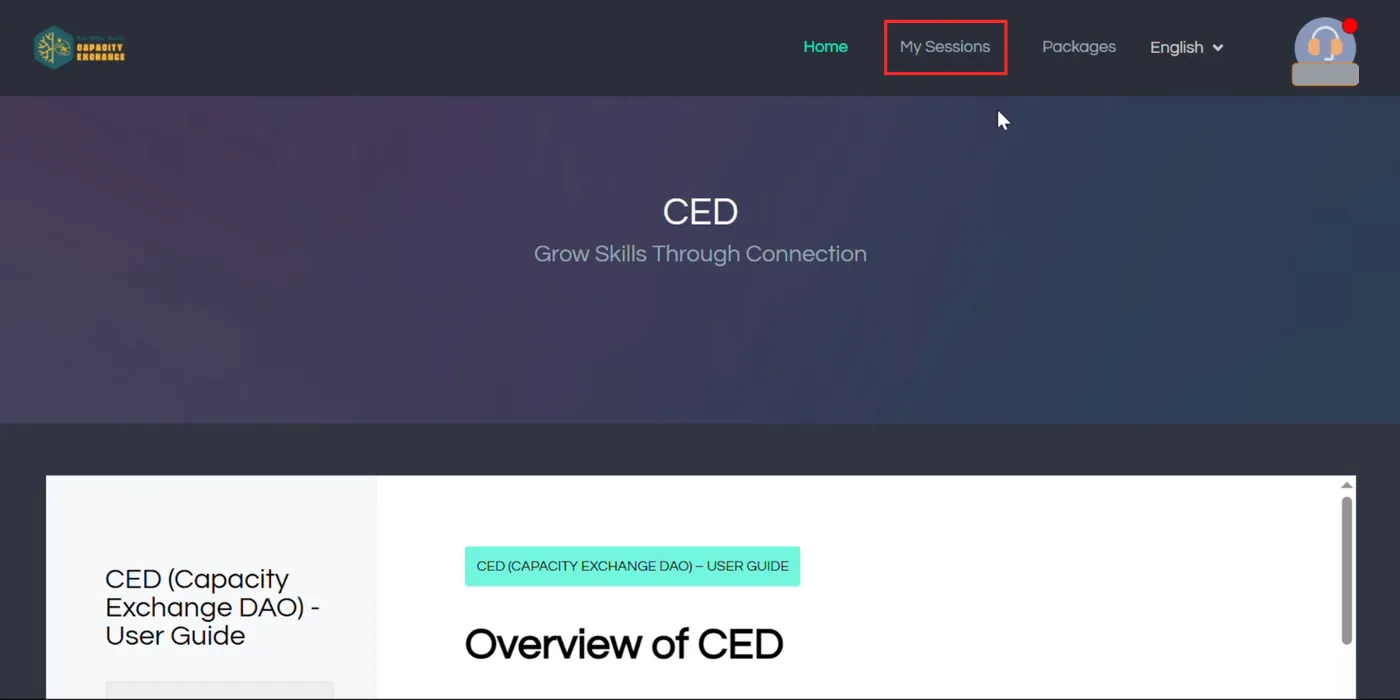
Step 1: Guide/Explorer accesses the “My Sessions” page on the CED homepage.
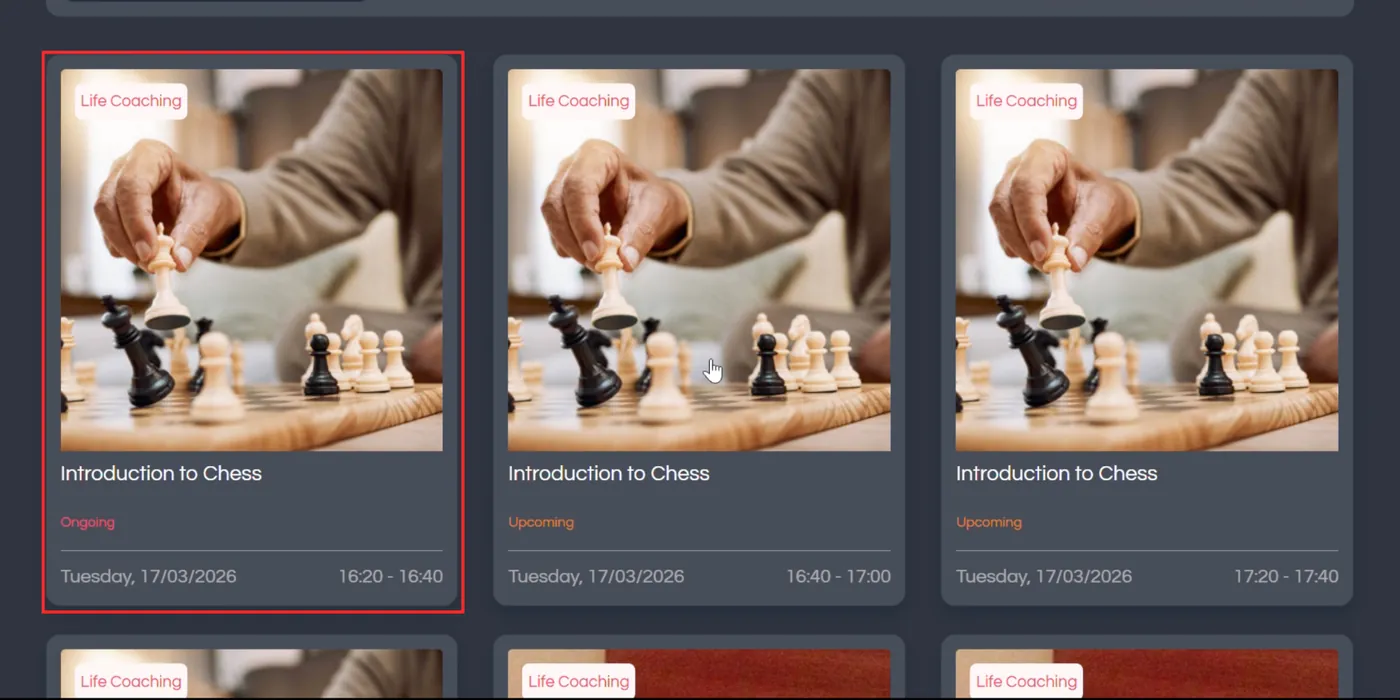
Step 2: Select the session that you have registered for and join the Session.
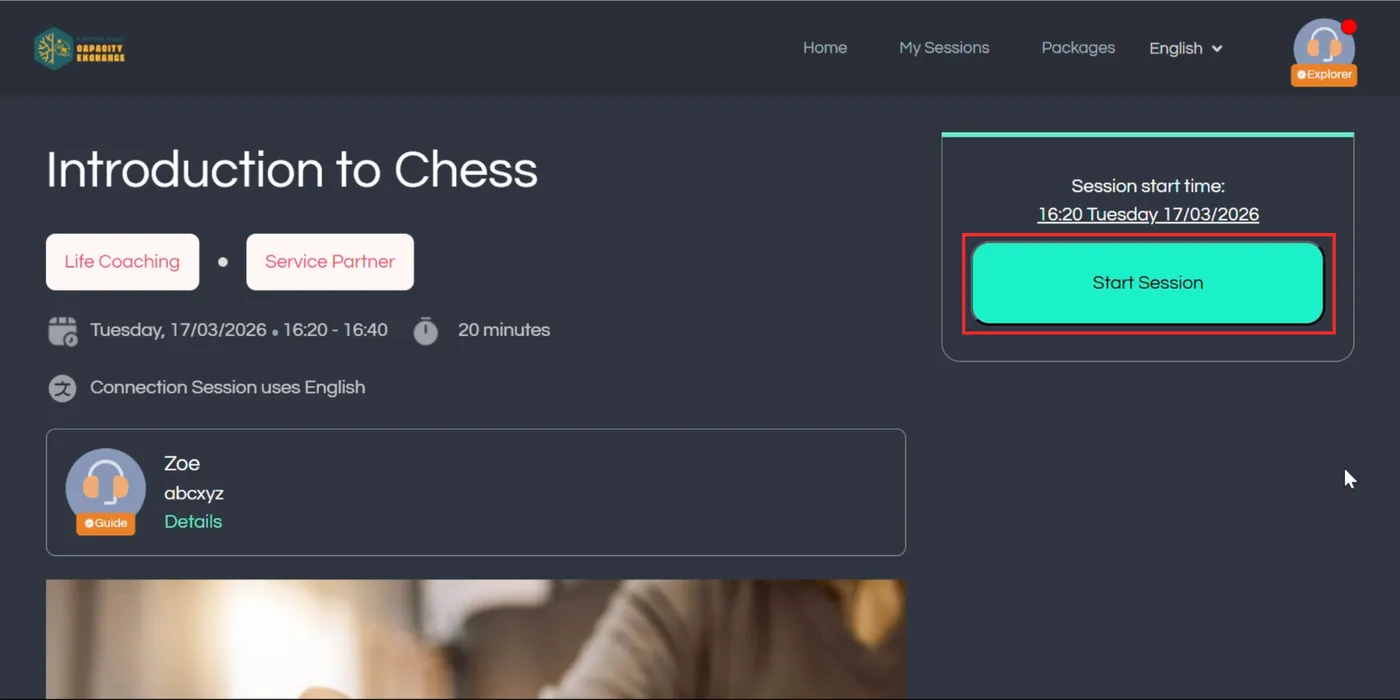
Step 3: The main screen of the Connection Session between the Guide and the Explorer appears -> choose "Start Session".
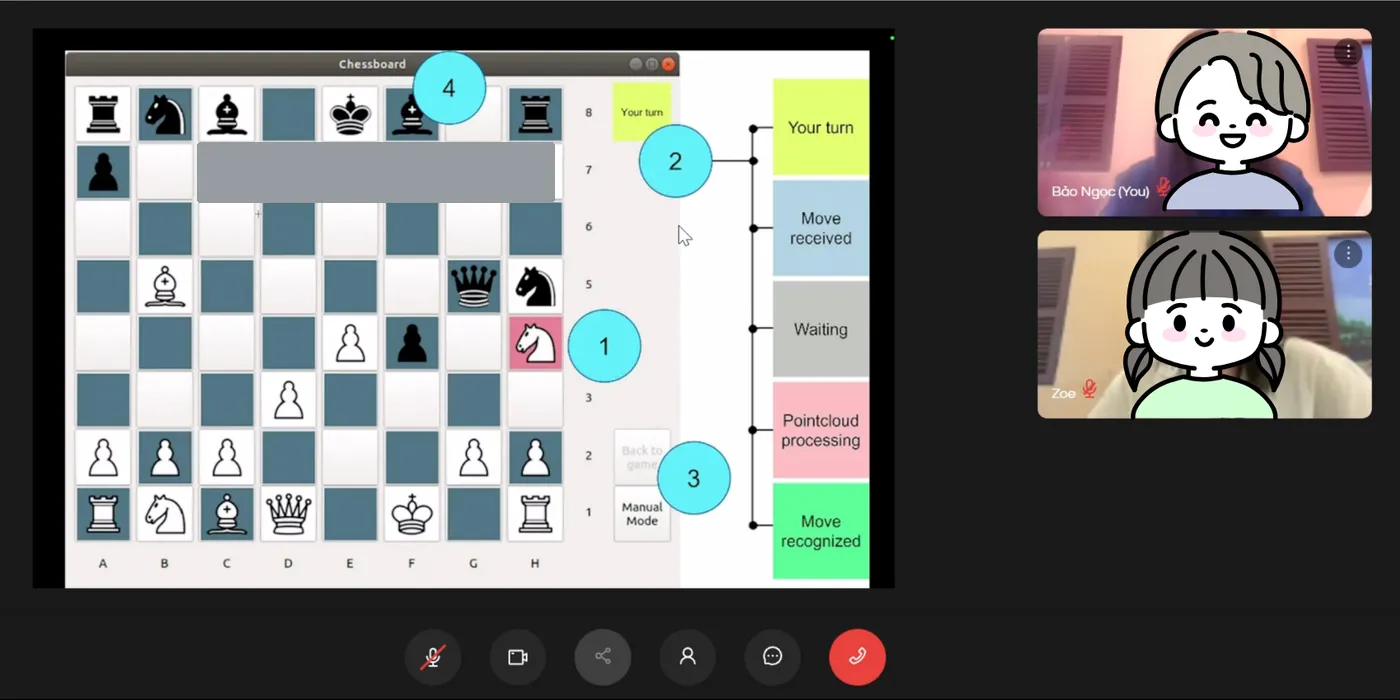
Step 4: The Guide/Explorer clicks the three-dot icon at the top right corner of the screen they want to pin, then select “Pin Screen”.
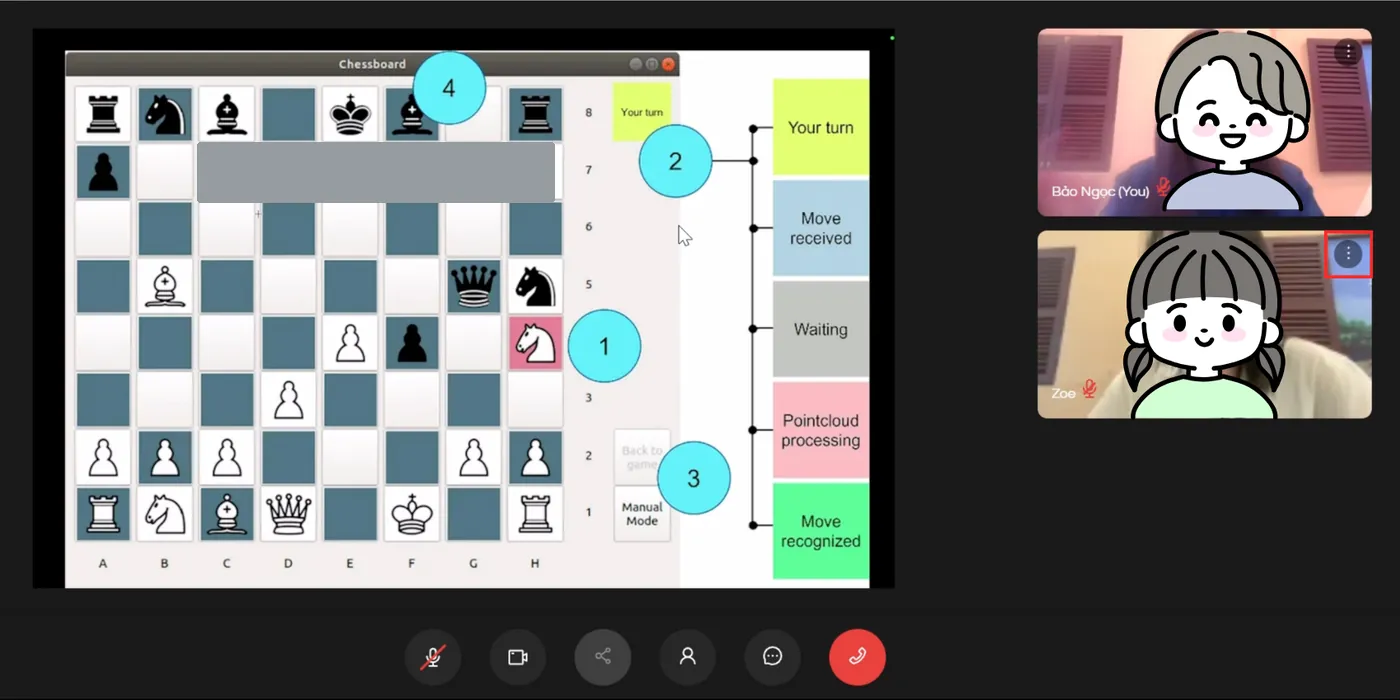
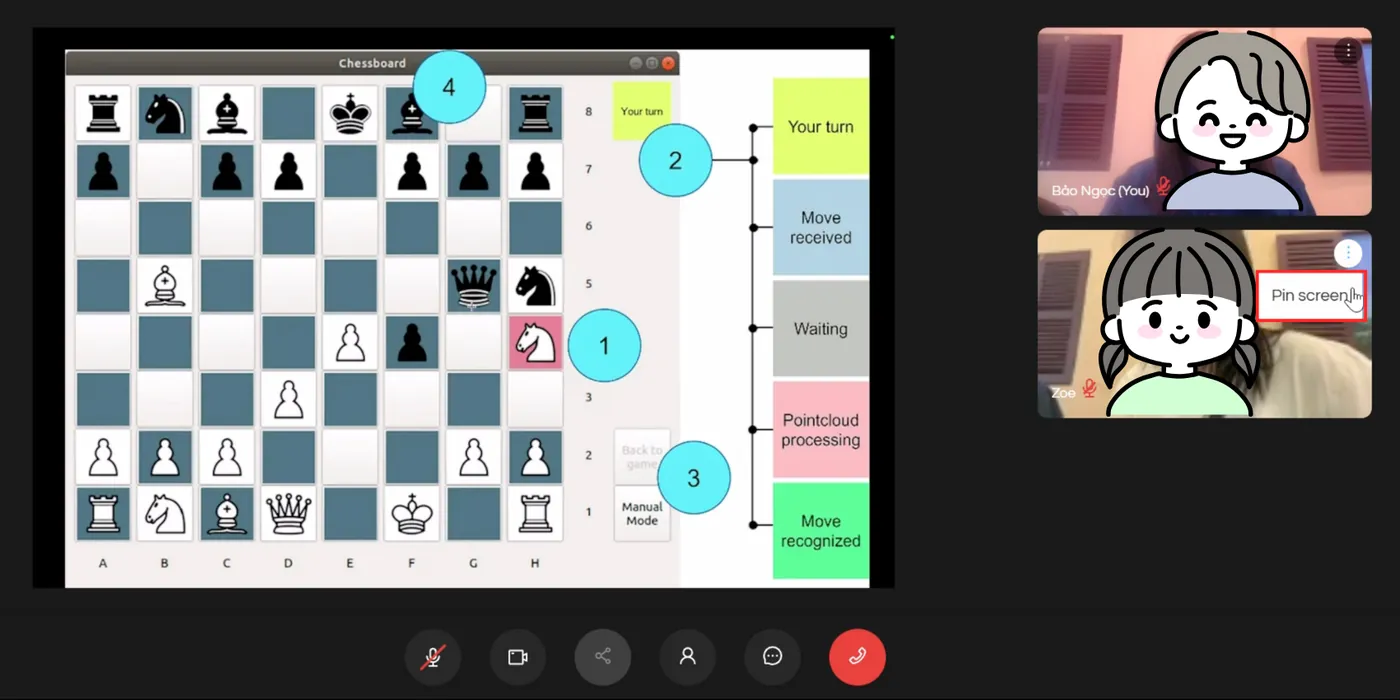
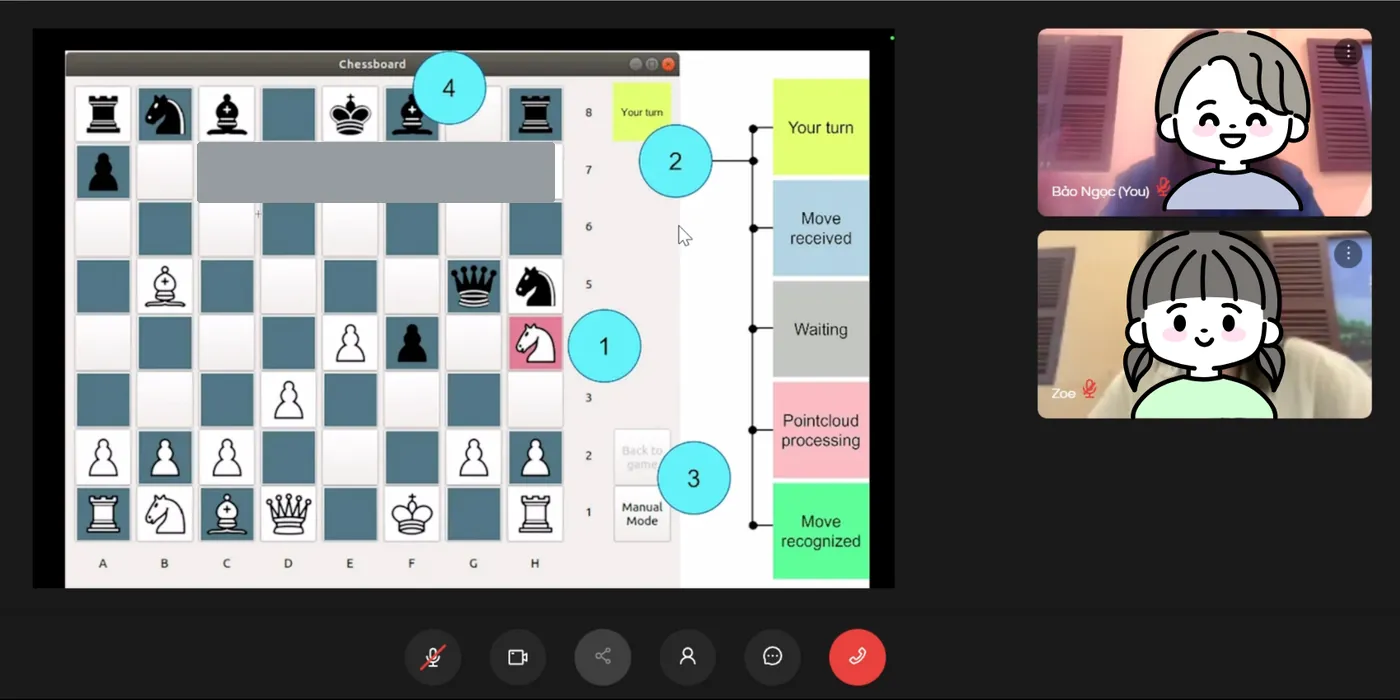
The screen is now pinned.
Step 5: To unpin the screen, the Guide/Explorer repeats the same action on the pinned screen and selects “Unpin Screen”.
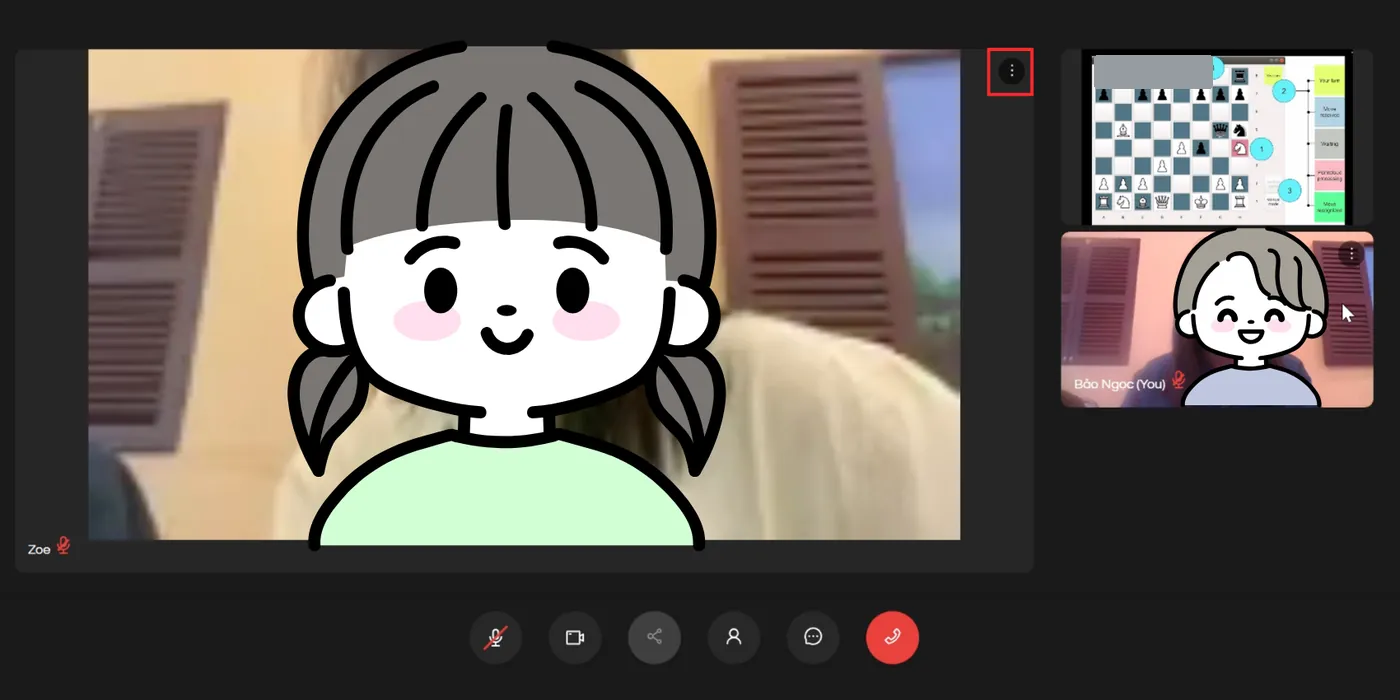
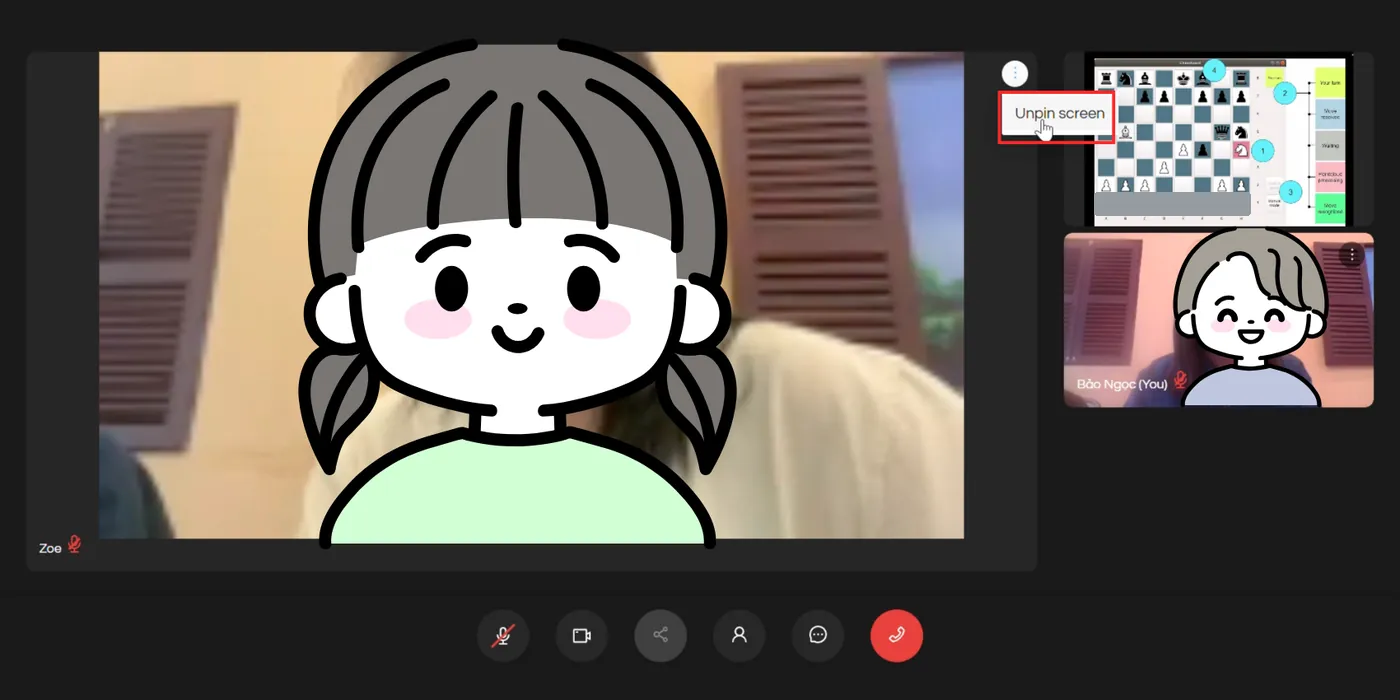
The screen returns to the default view after being unpinned.