Capacity Exchange DAO
Explore information of Explorer or Guide
Explore information of Explorer/Guider on the mobile app
At the “My sessions” section, you can explore information about the Guide/Explorer who will be joining the Connection Session.
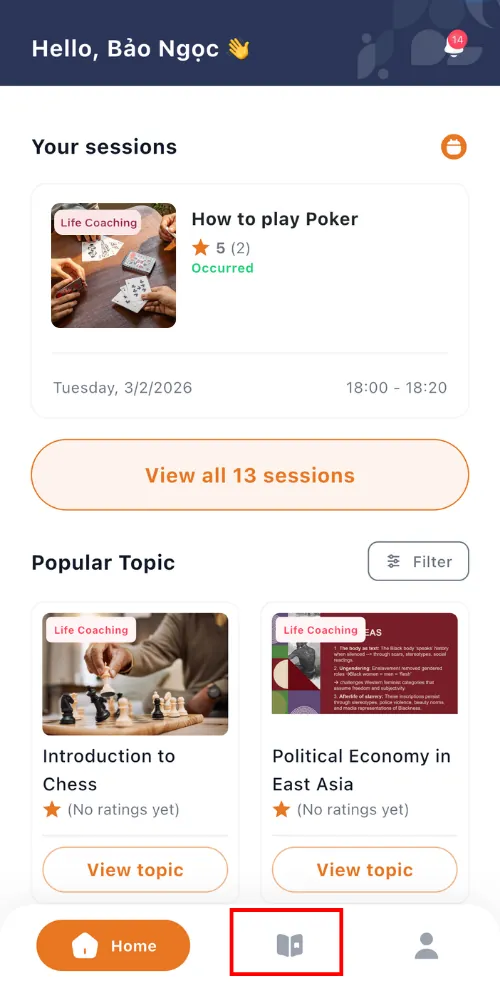
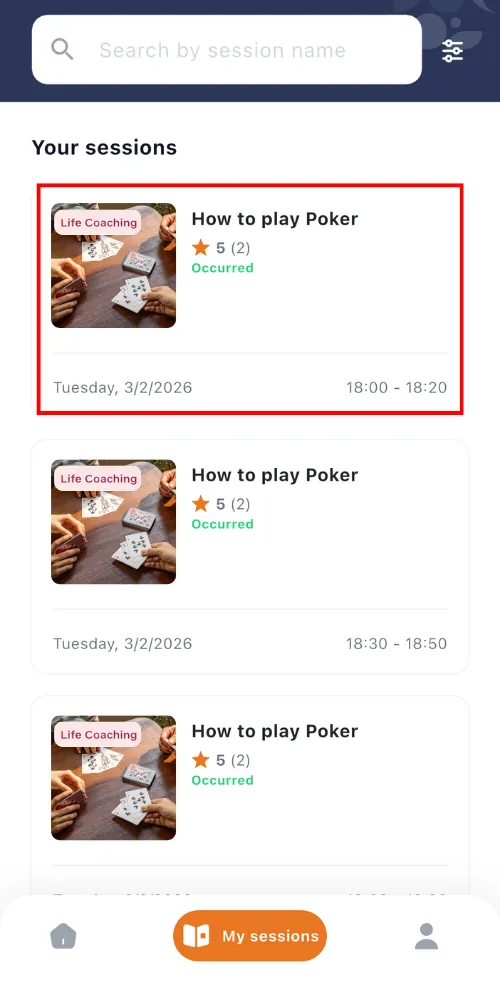
Choose a Session that you want to explore information about the Guide/Explorer that will be joining with you.
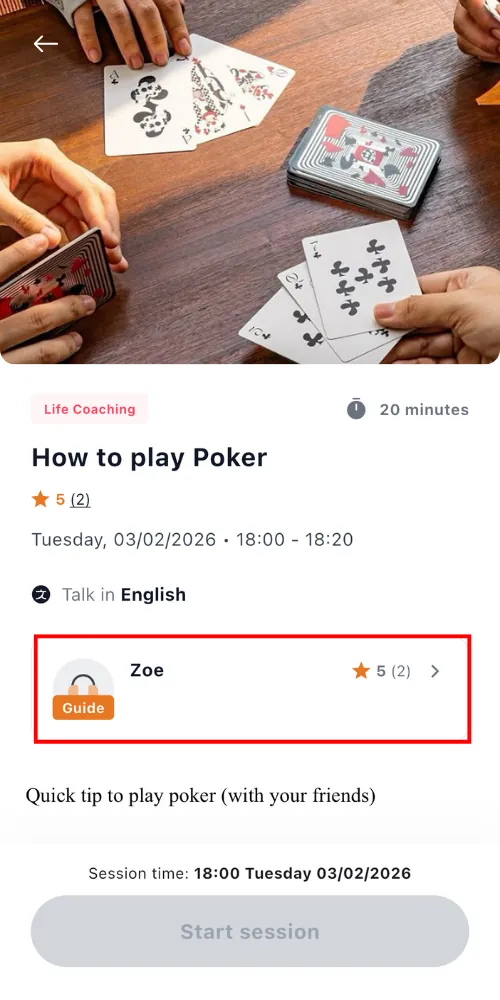
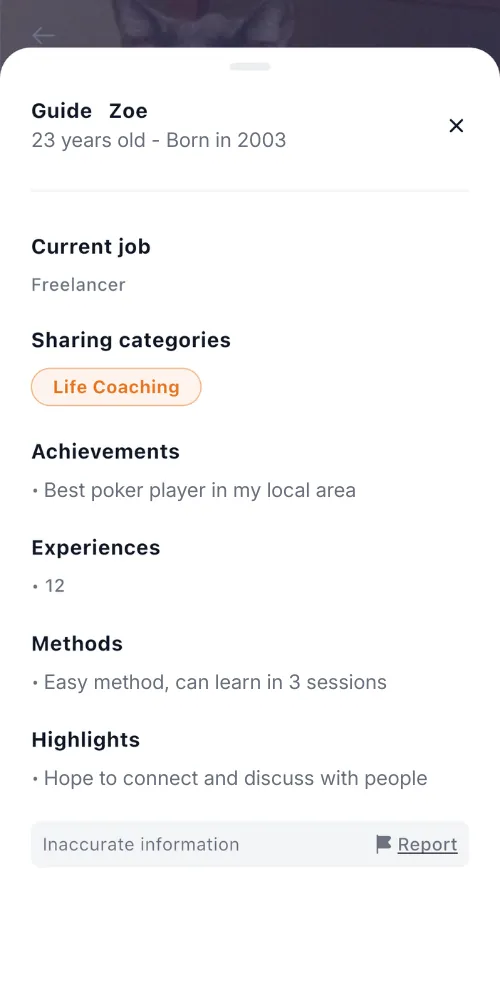
Click the Guide/Explorer’s name or the red box as illustrated in the pic. From that, you can see information including name, age, current job, sharing categories, achievements, experiences, methods, highlights...
Explore information of Explorer/Guider on the website
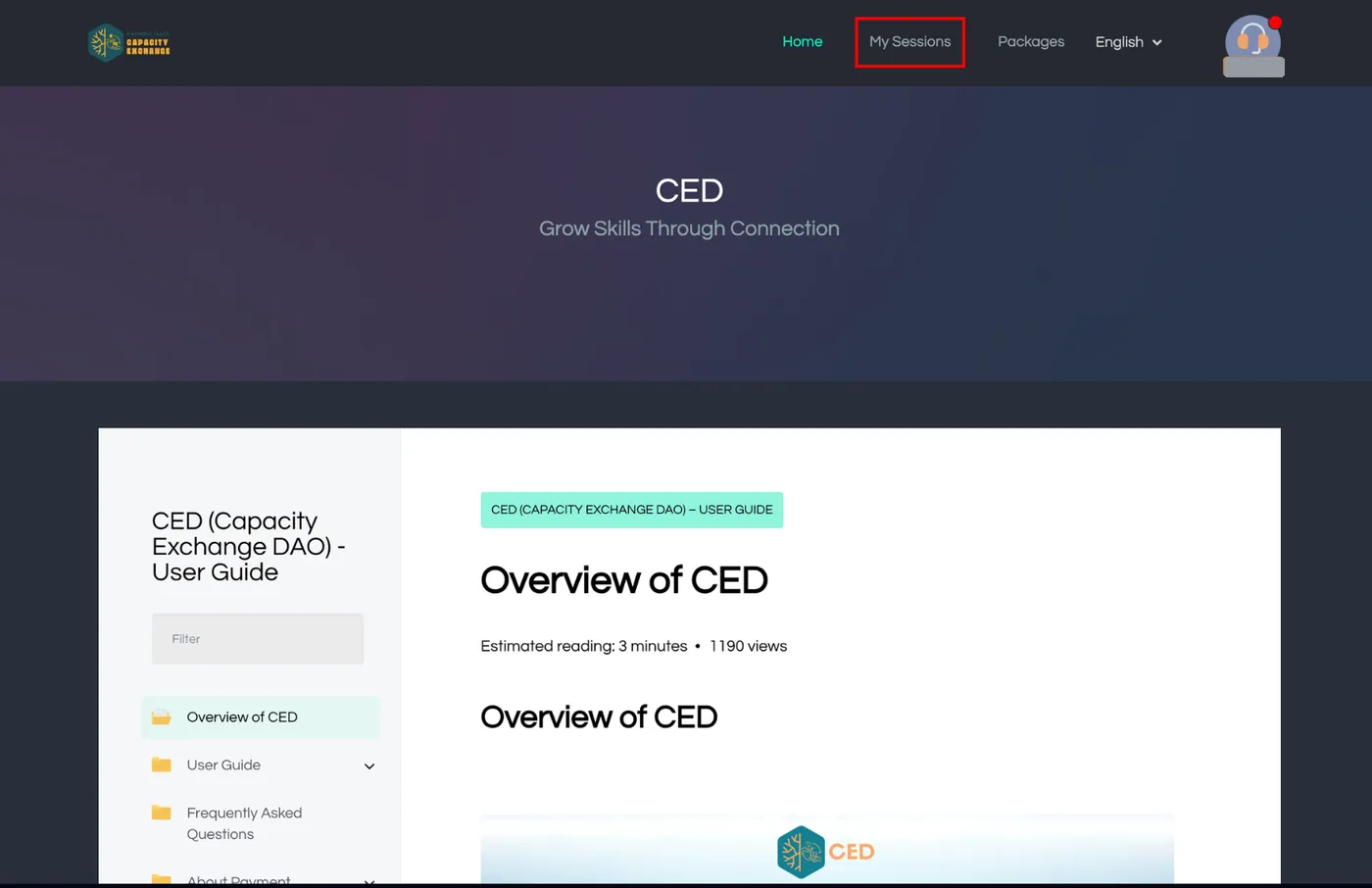
In the top menu bar, the Guide/Explorer selects “My Sessions”.
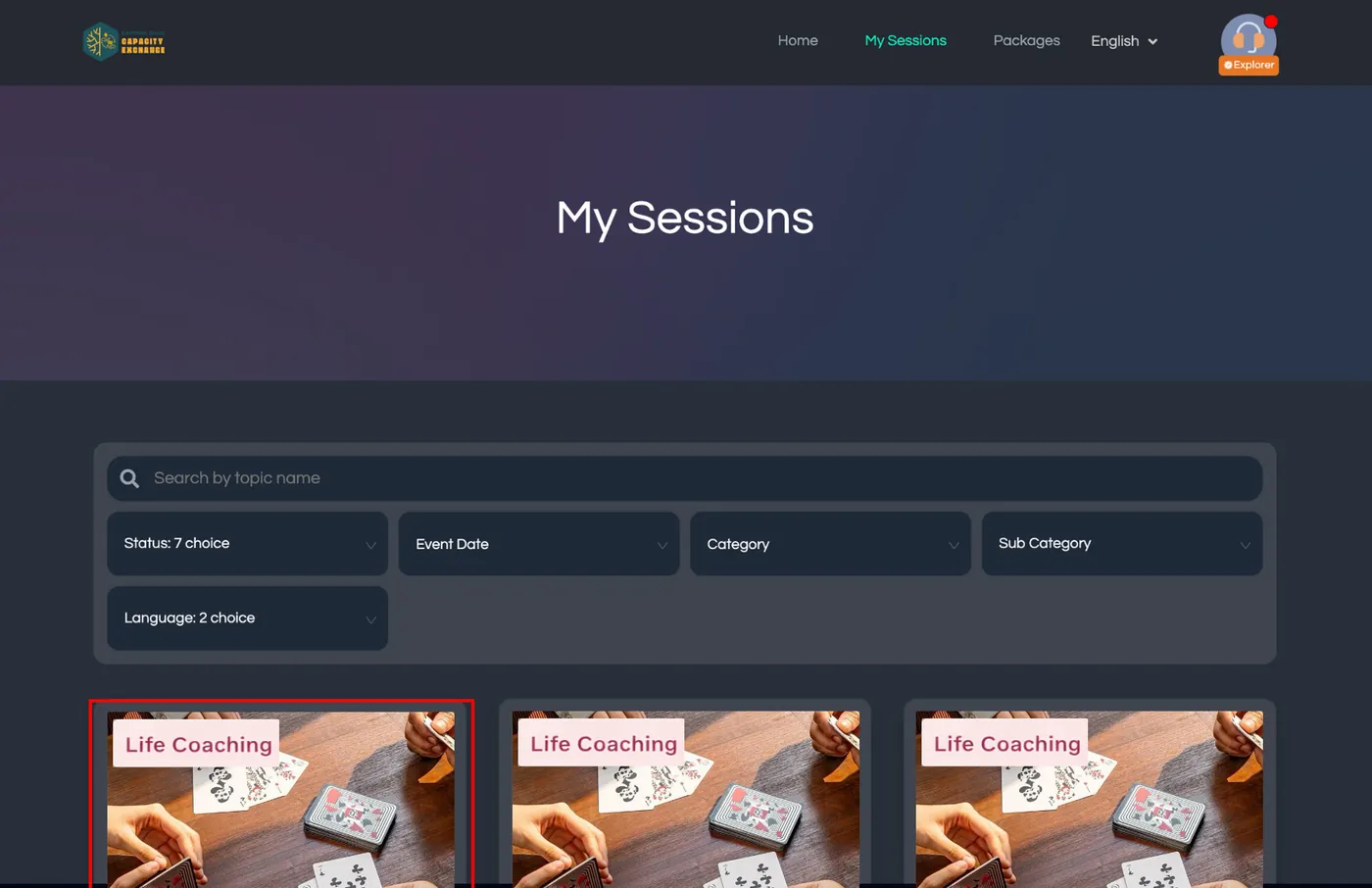
The Guide/Explorer chooses any Connection Session.
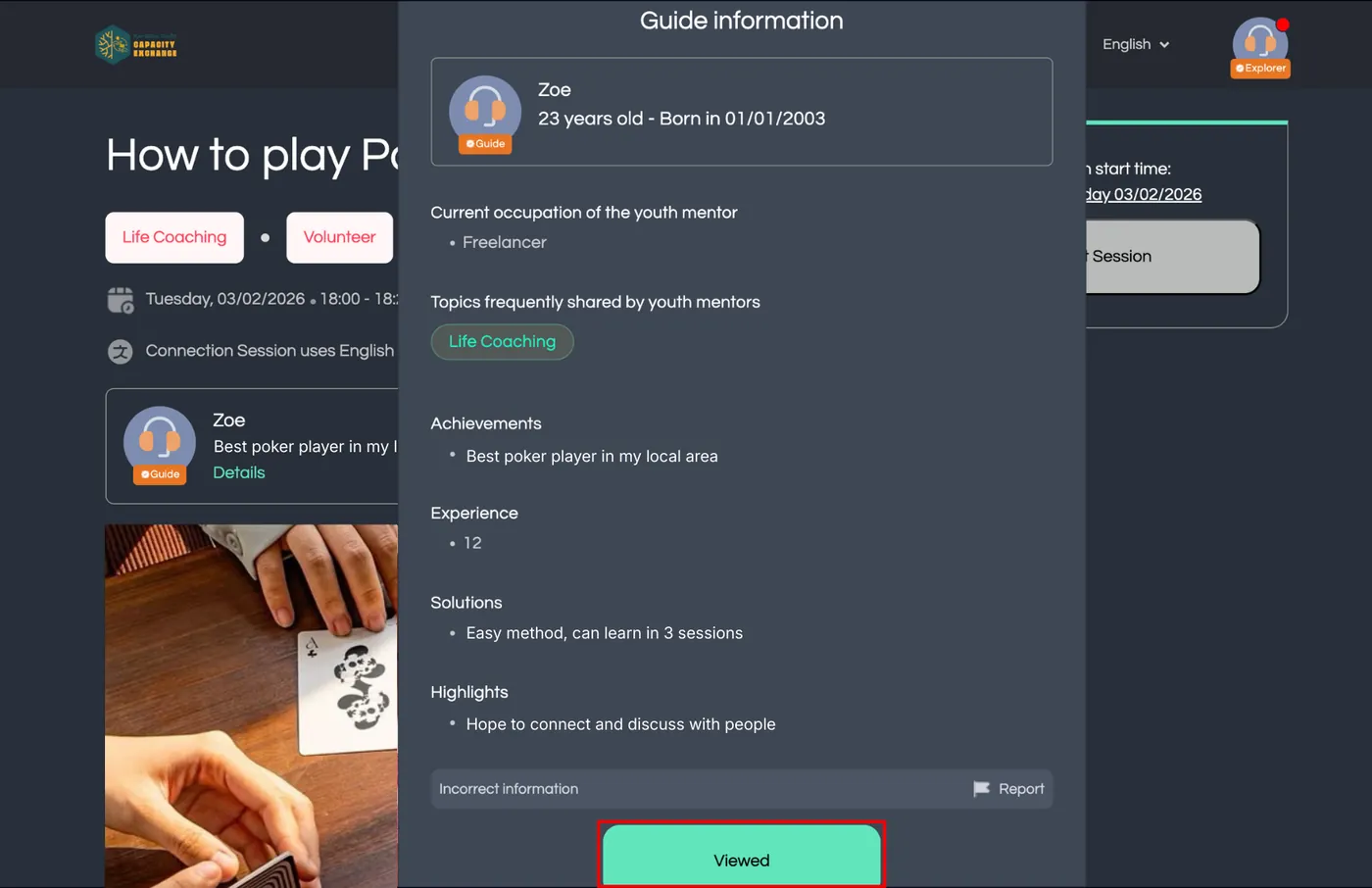
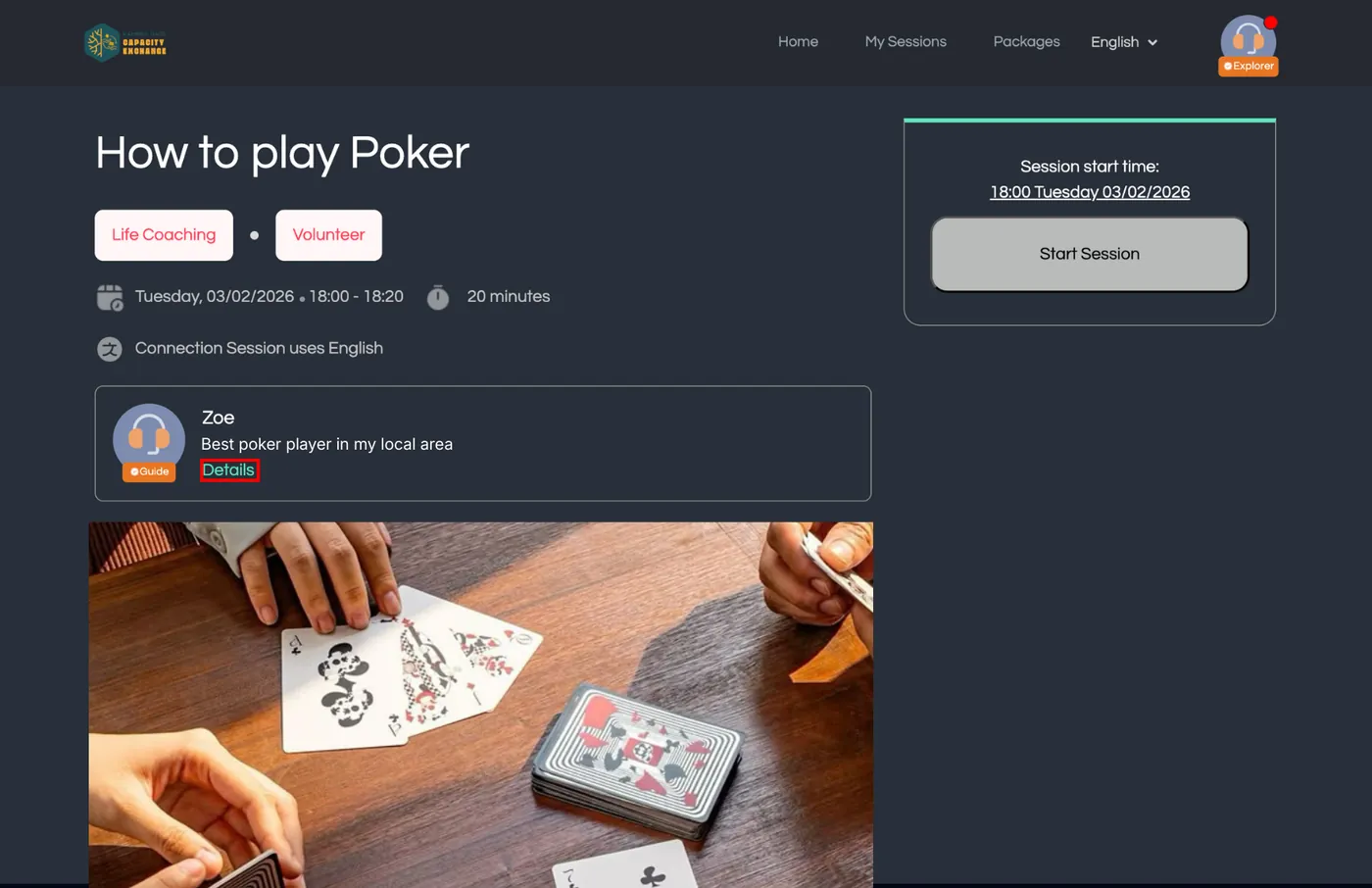
At the frame of Guide/Explorer information, the Guide/Explorer clicks on “Details” to view the information.
The Guide/Explorer selects the “Viewed” button or clicks anywhere outside the display frame to exit and return to the screen in the previous step.