Capacity Exchange DAO
Instructions for purchasing a Subscription
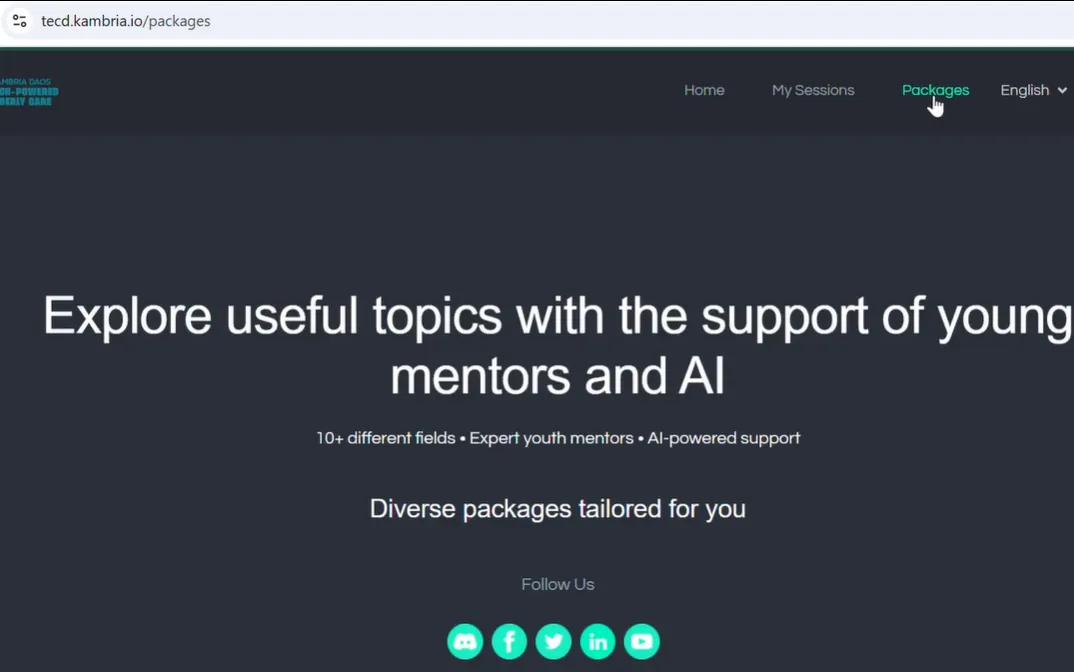
After successfully logging into the website tecd.kambria.io, please select “Packages” to choose the service package you want to purchase
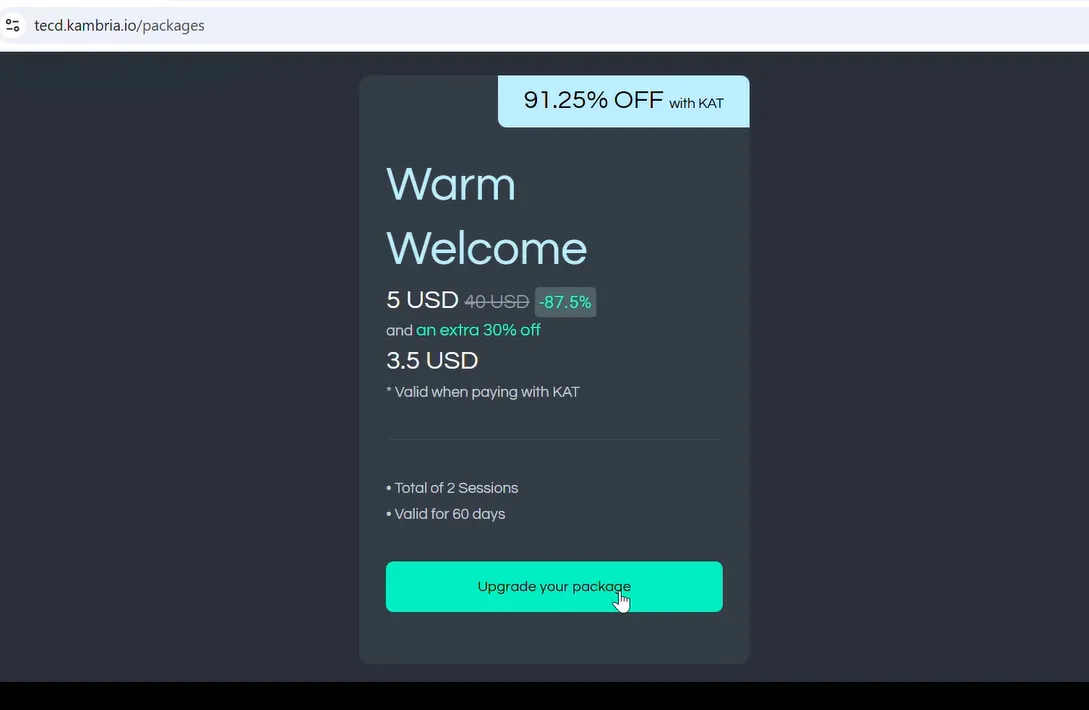
After selecting the desired package, please click the “Upgrade your package” button to begin purchasing the package
Payment
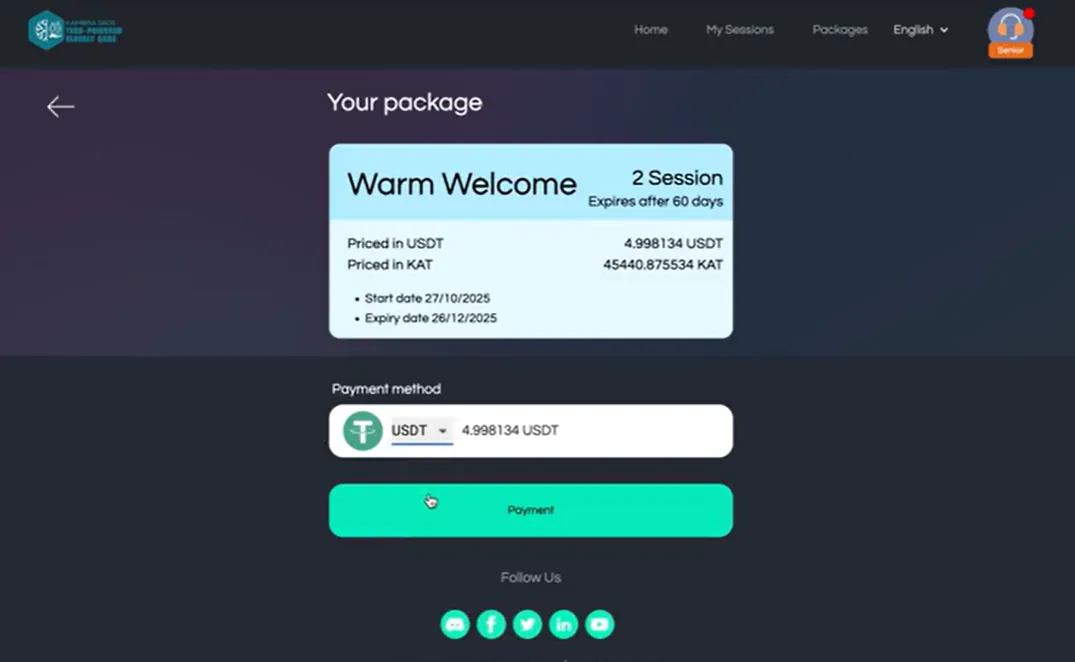
- After successfully selecting the package, you will see the interface and package information as illustrated below.
- You can choose to pay with KAT or USDT.
- Then, please click “Payment” to proceed with the payment.
To confirm the purchased package, you can review the package details on the screen and click “Confirm”
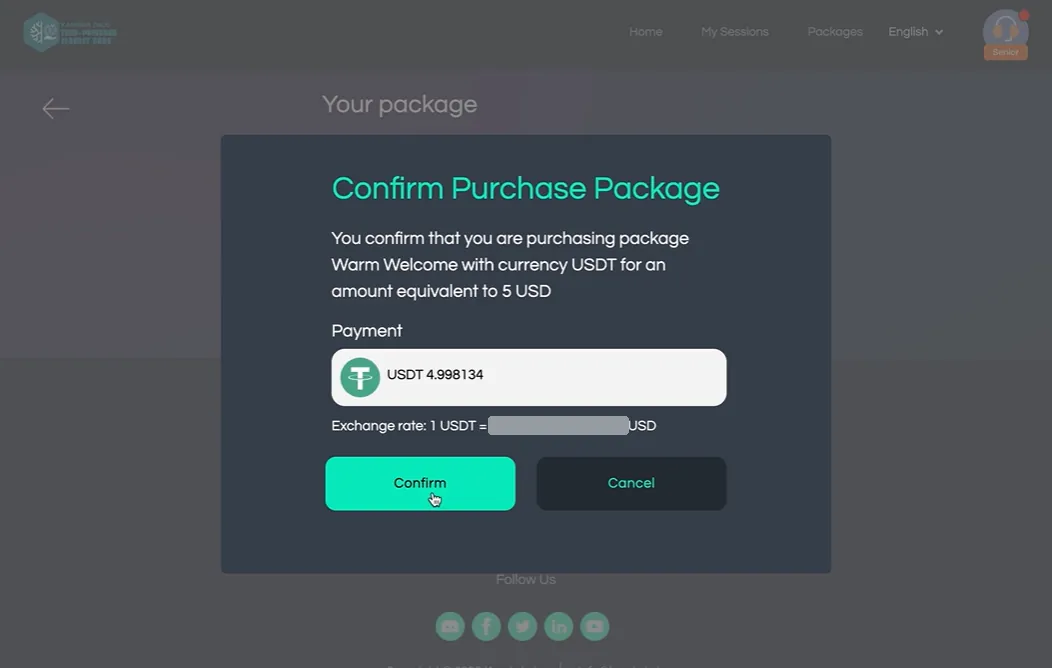
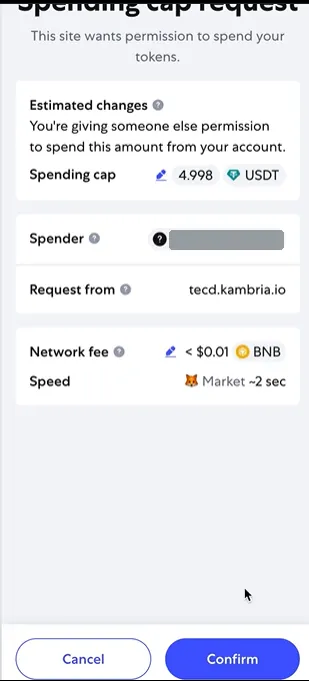
Please increase your limit to proceed with the transaction by following the instructions below
- You can check the details again to assure the correctness
- Then, please click "Confirm"
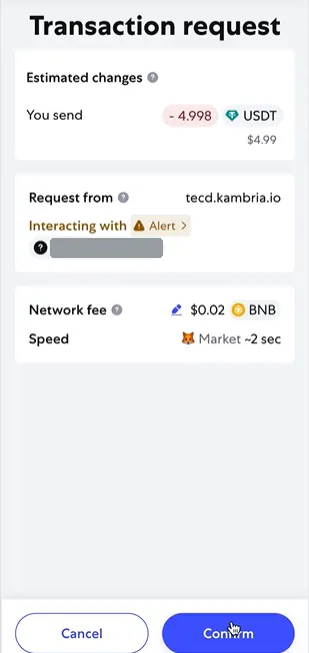
- Please wait 3s to continue to confirm the Transaction Request
- Please wait for the Metamask to process the transaction
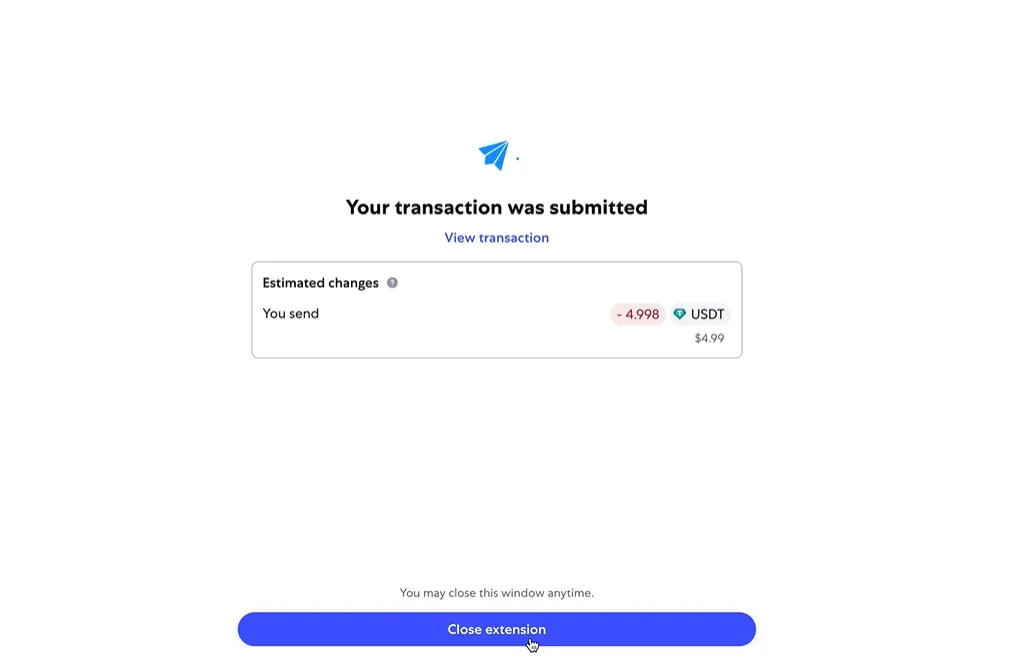
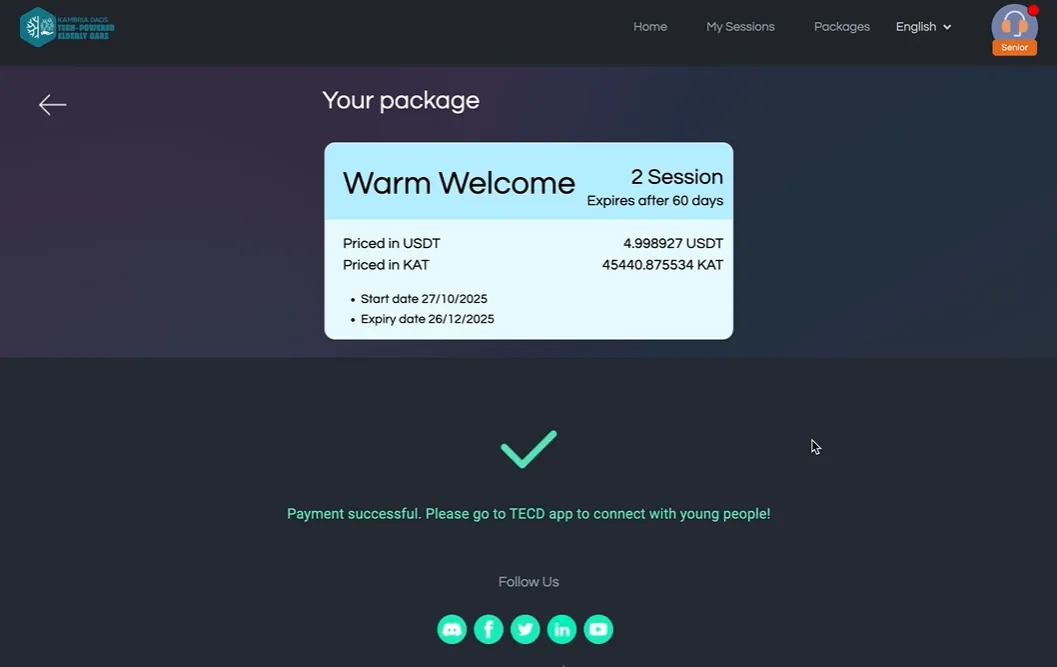
- When the payment is successful, you will receive a notification as shown in the illustration