
Capacity Exchange DAO
App Installation
Guides/Explorers can download the CED App from the App store on their device (such as the Apple Store or Google Play Store).
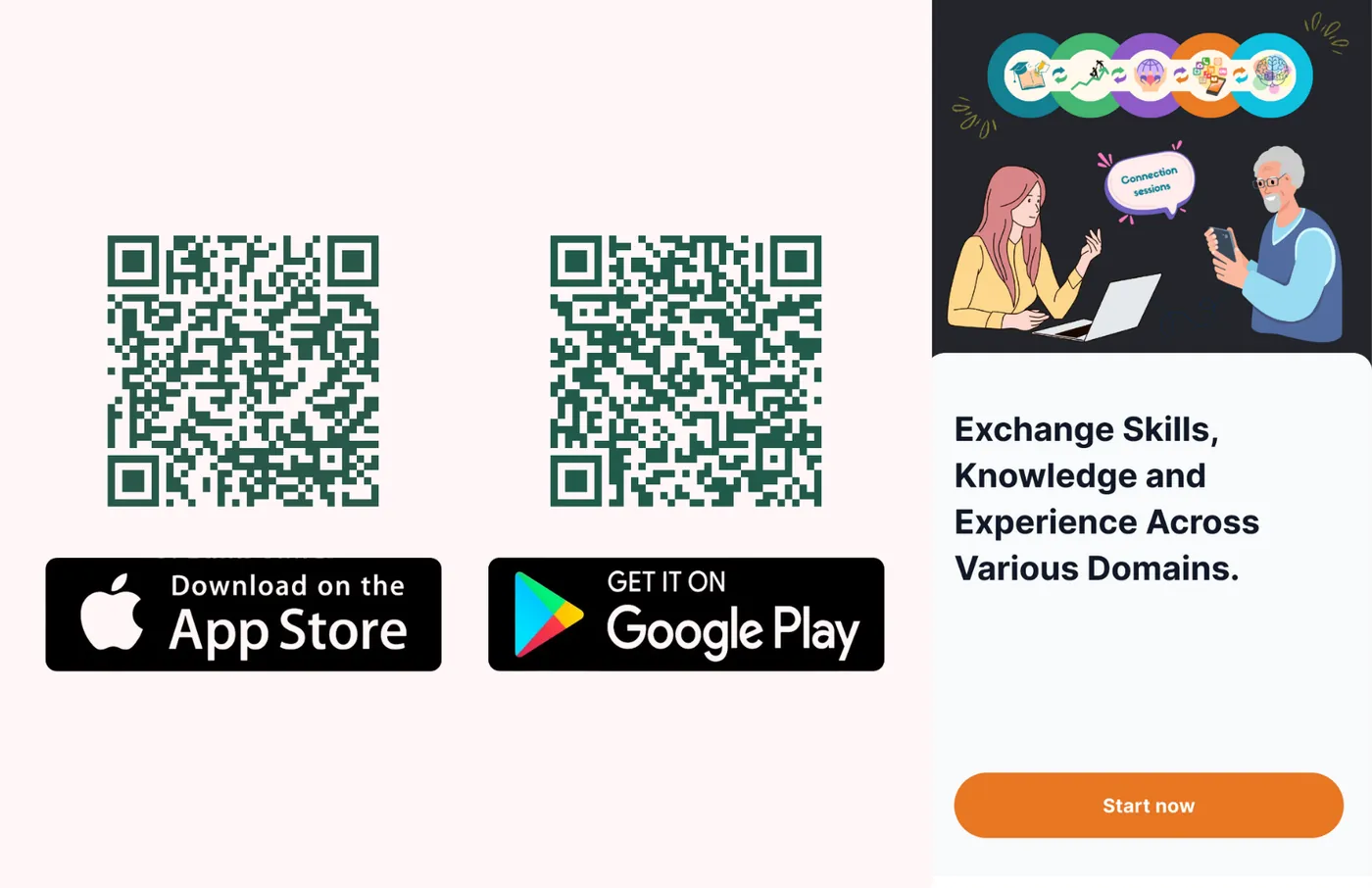
App Store - iOS:
Option 1 - Use your camera to scan the QR code below and tap on the link that appears
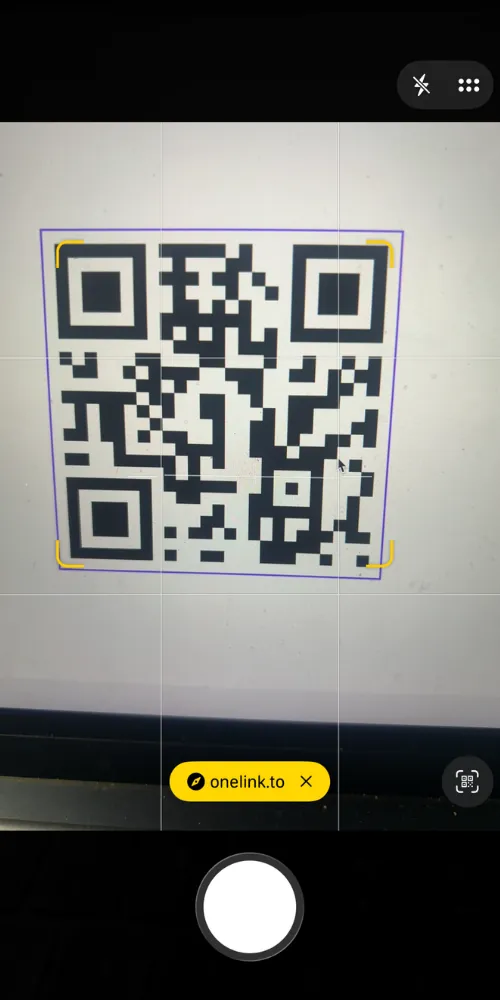
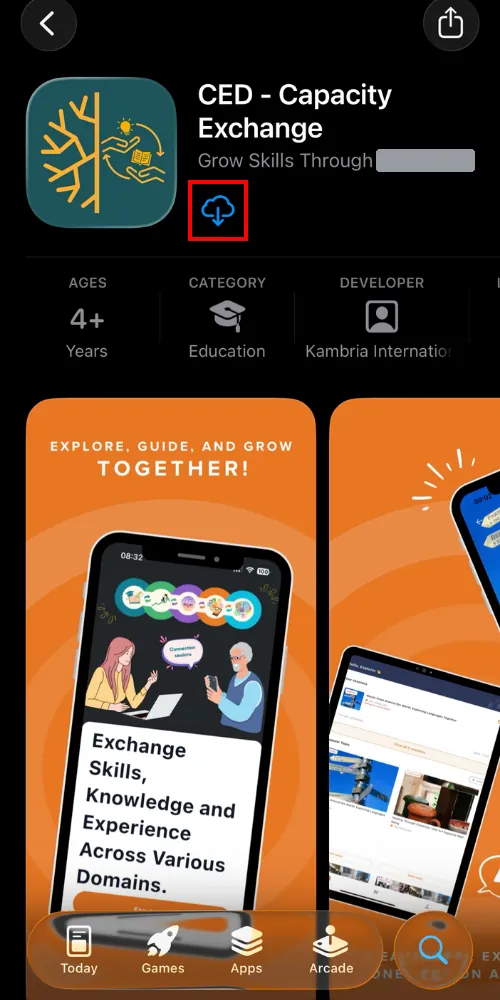
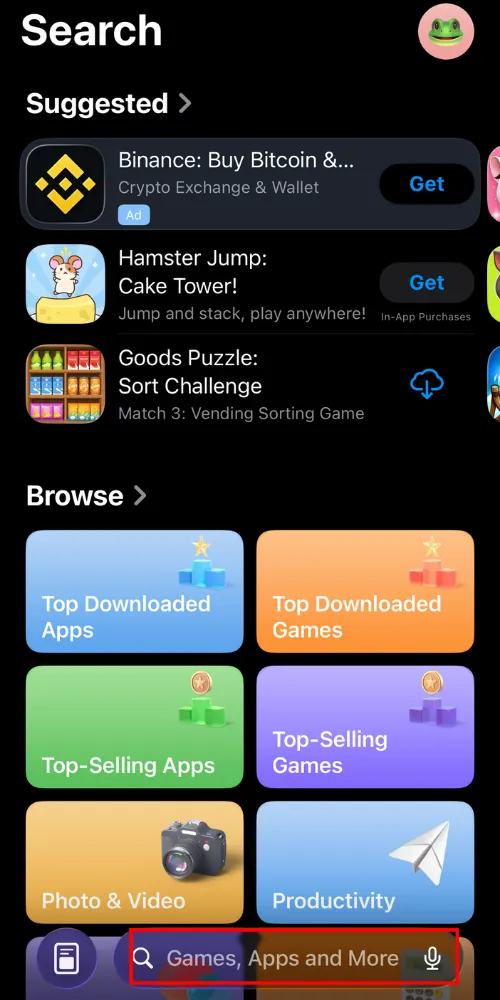
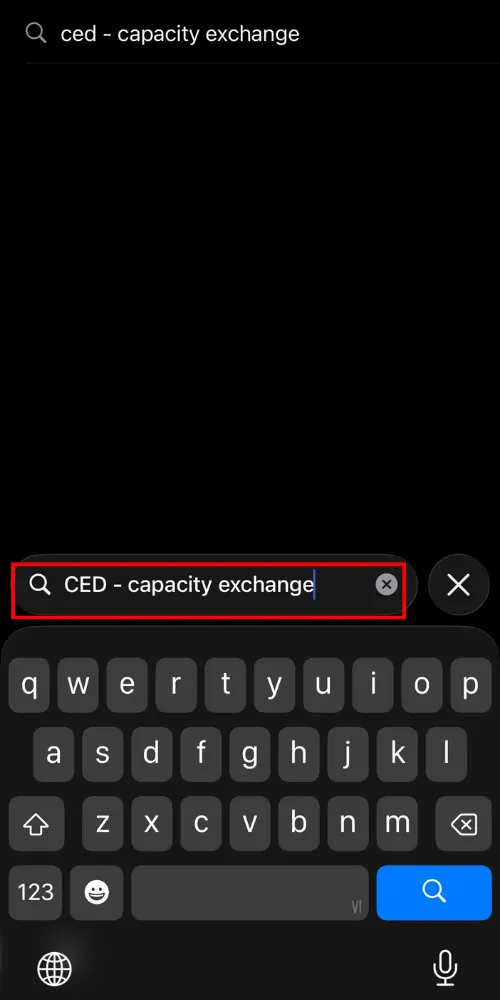
Option 2 - Please go to the App Store, type "ced" into the search bar, and select the App as instructed below.
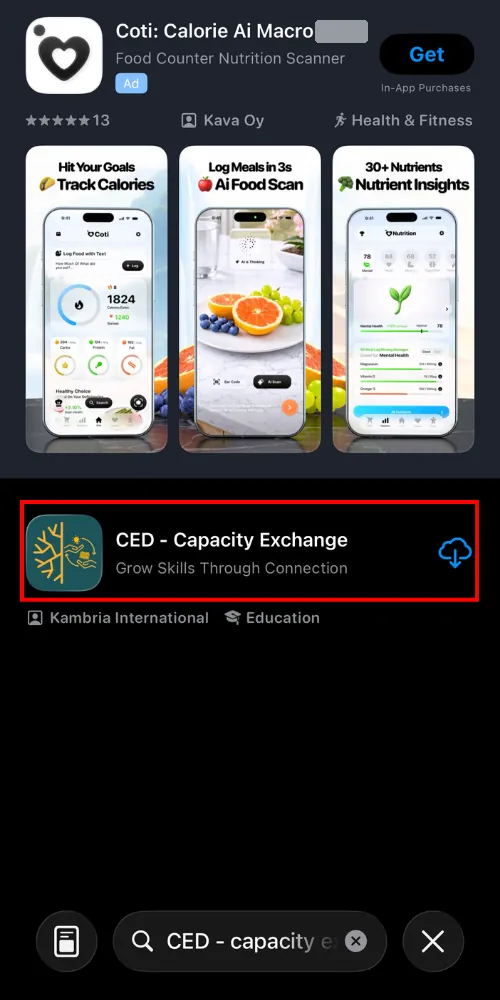
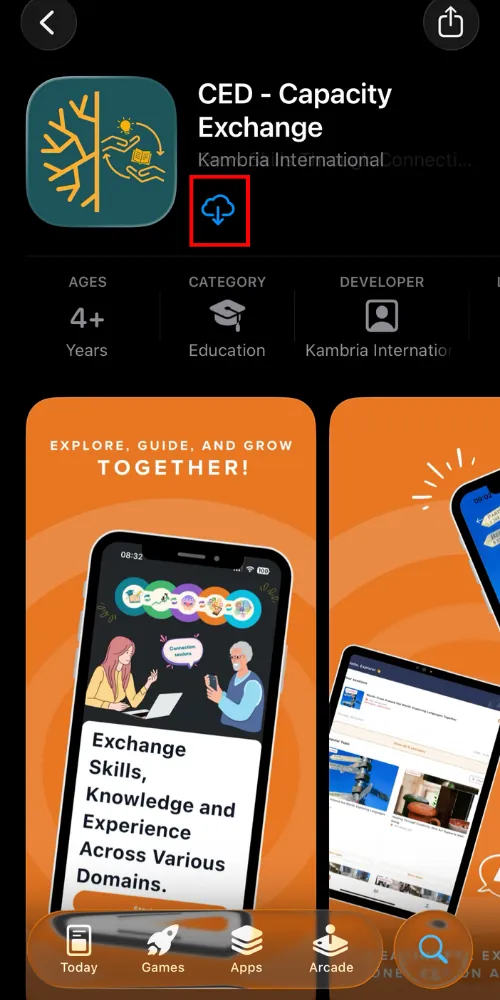
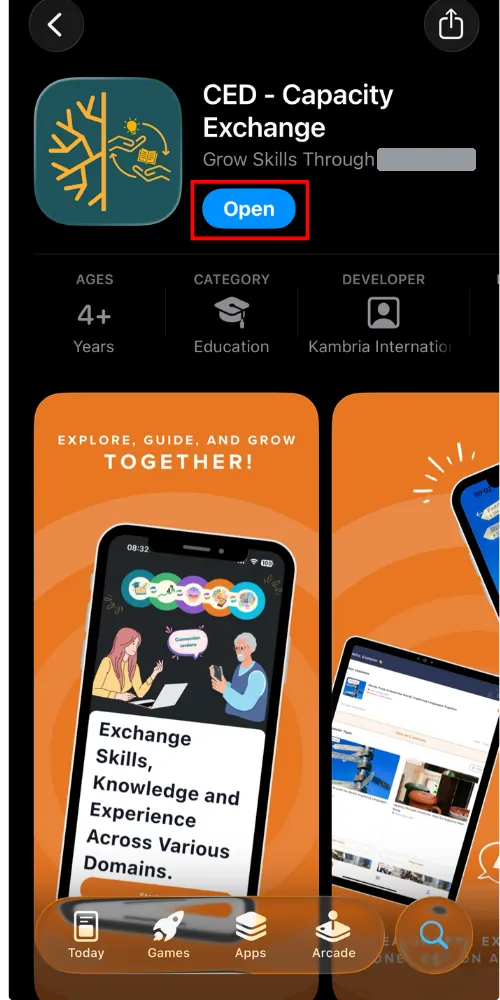
After finding the App, please tap the “Install” button to download it, and then tap the “Open” button once the download is complete to start using it:

Google Play Store - Android:
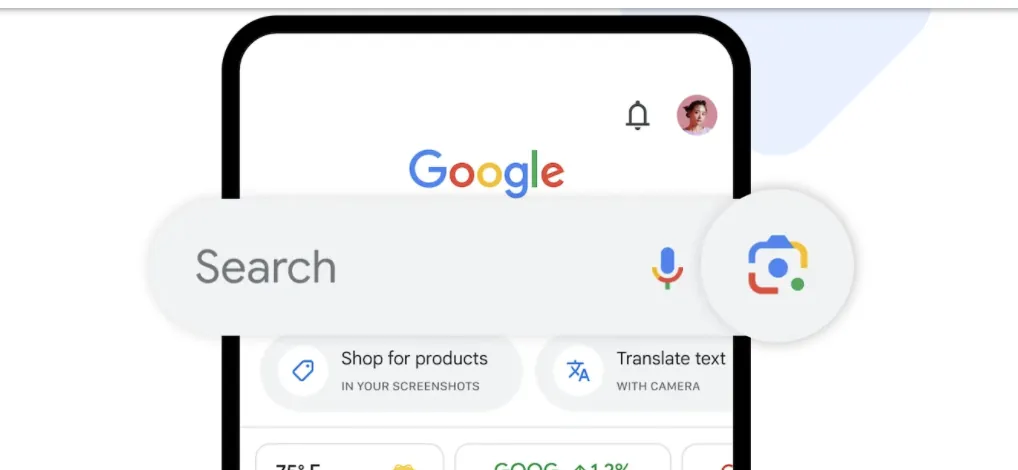
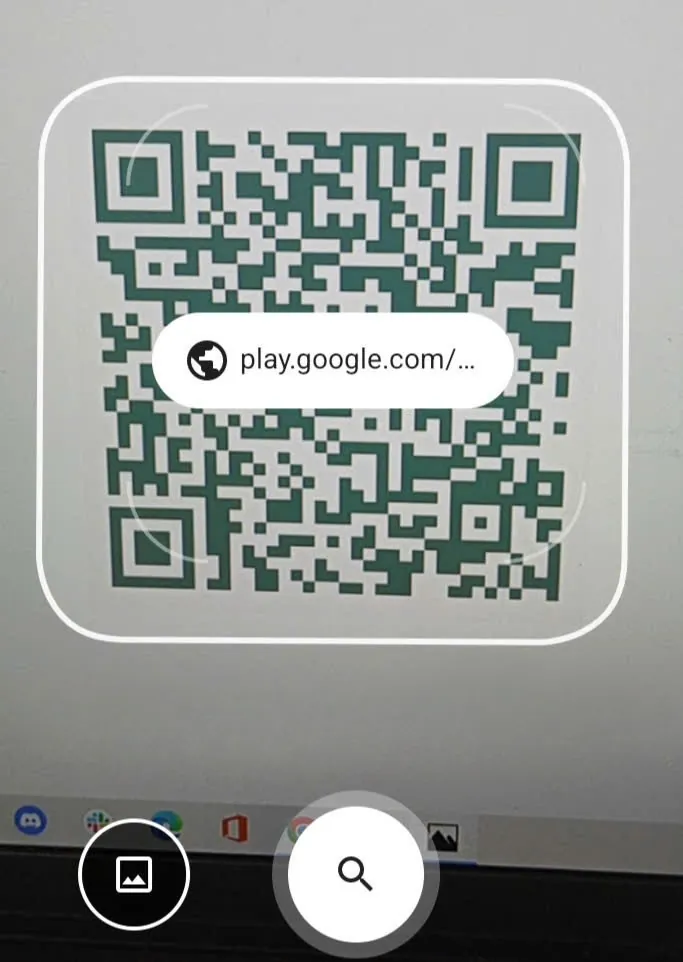
Option 1 - Please use your Google lens to scan the QR code below and tap the link that appears.
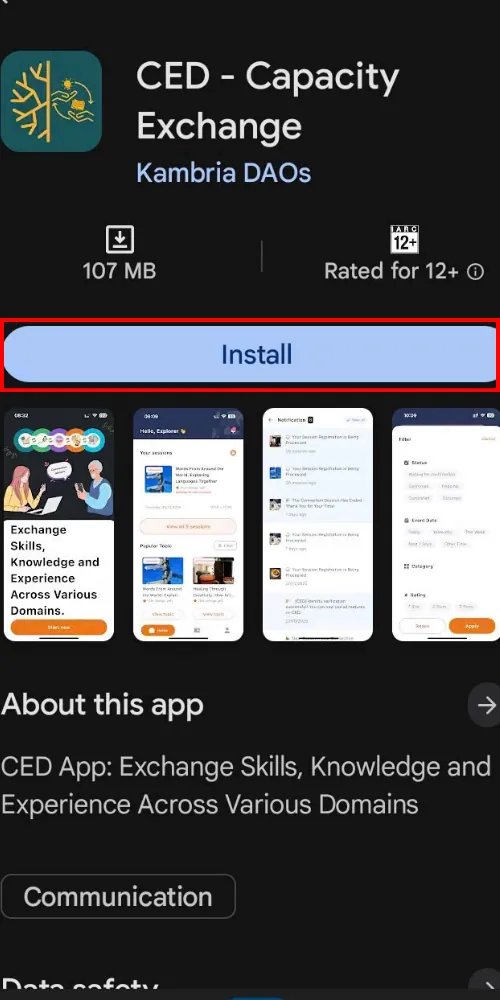
Option 2 - Please go to Google Play, type "ced" into the search bar, and select the App as instructed below.
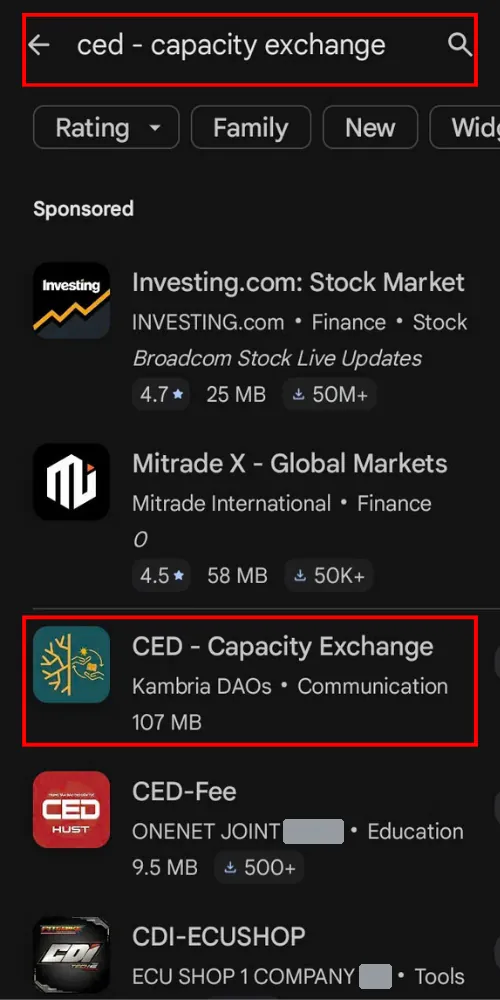
After finding the App, please tap the “Install” button to download it, and then tap the “Open” button once the download is complete to start using it.