Capacity Exchange DAO
Search for and view the introductory information of a Session
A. Searching for Connection Session Information
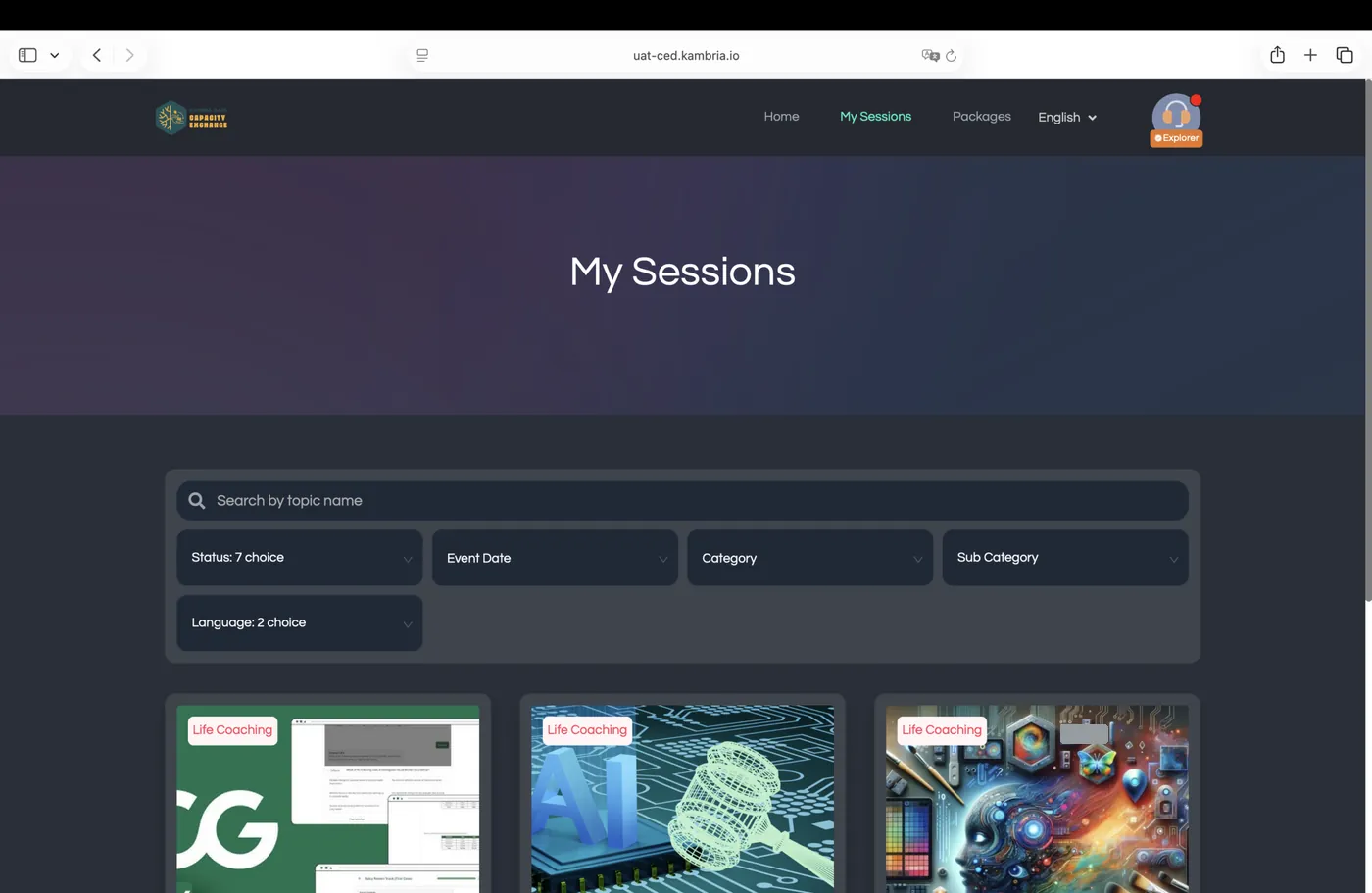
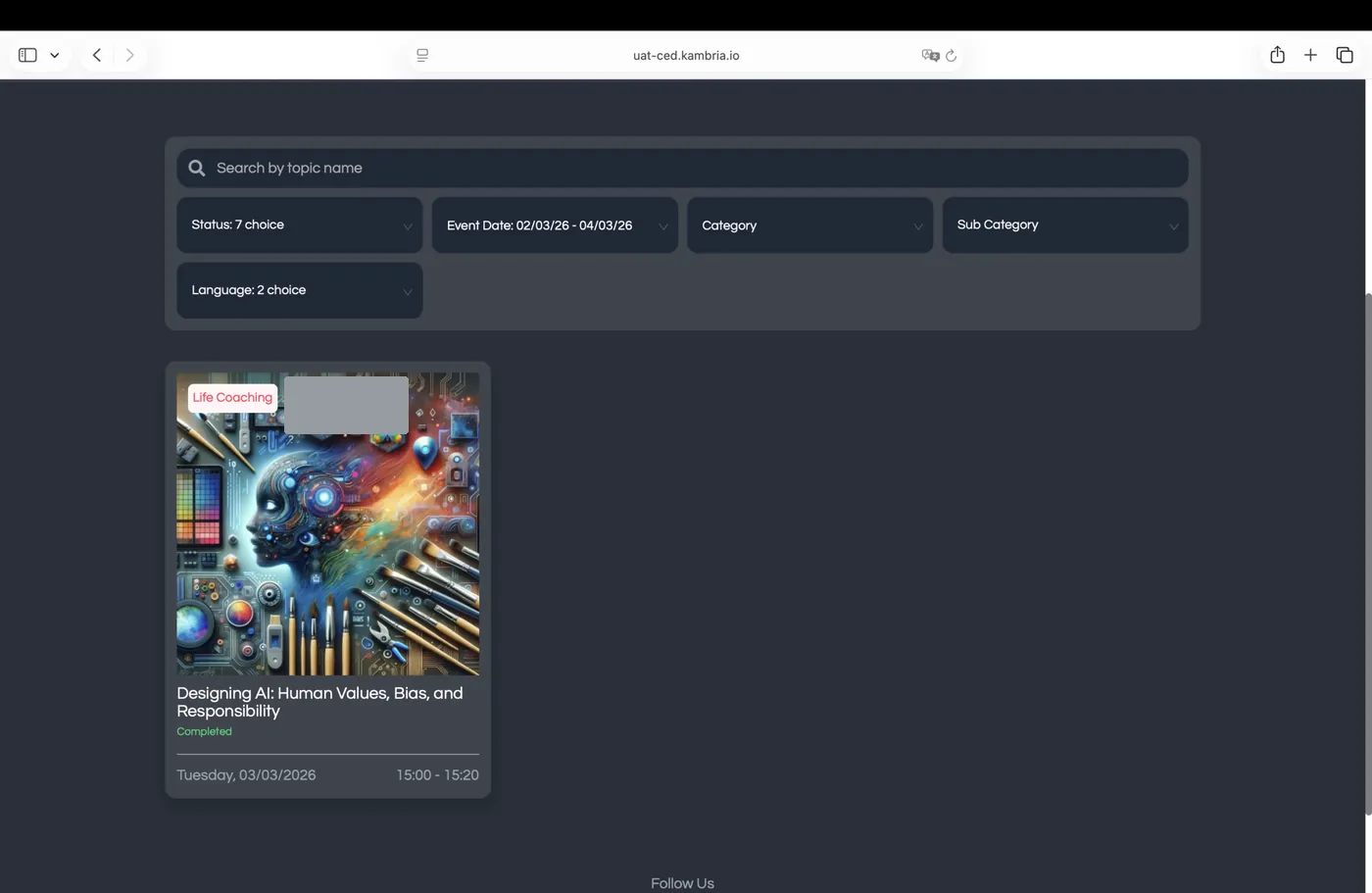
To quickly find the Session that you have booked on the App or Website, you can use the Search or Filter features, following the instructions and illustrations below.
App
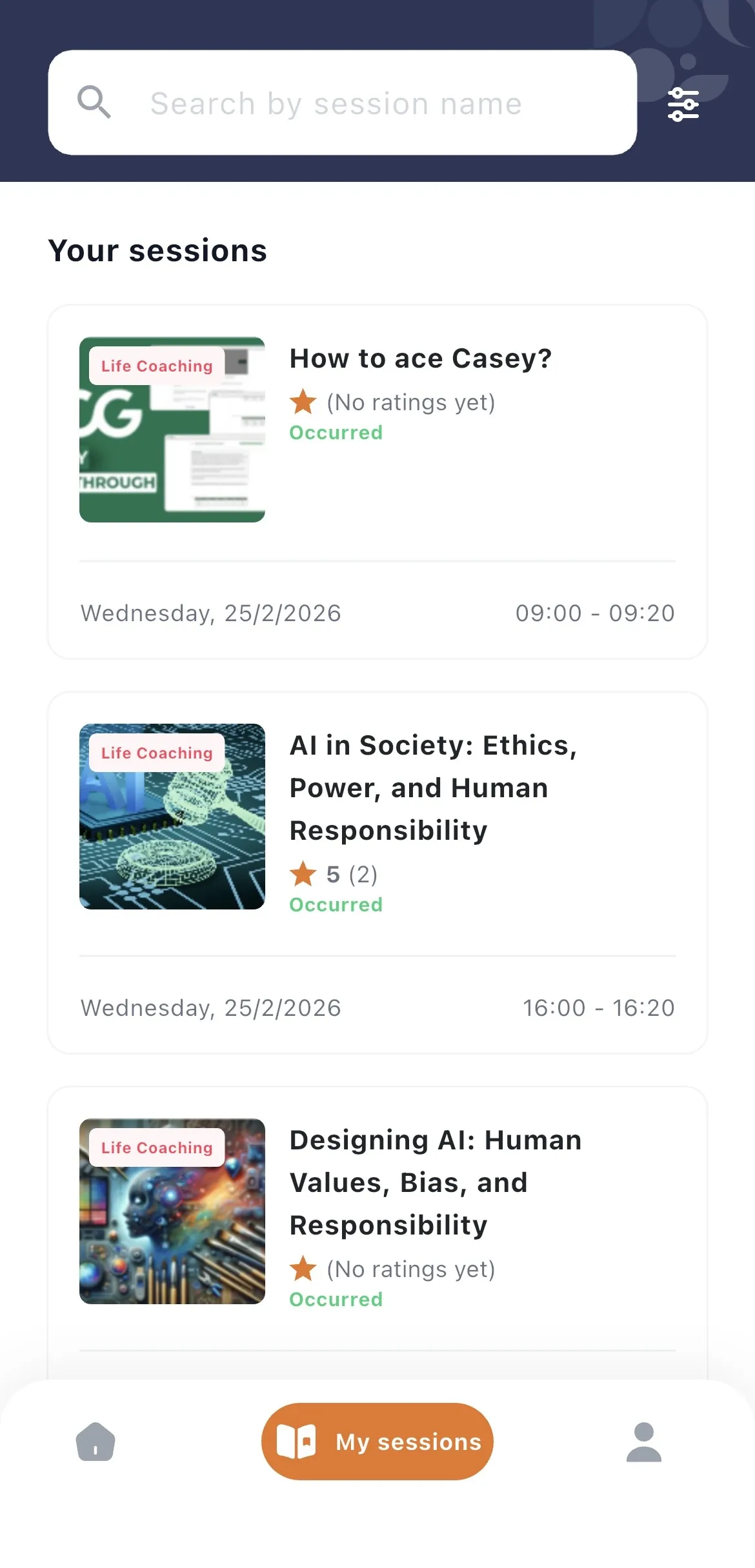
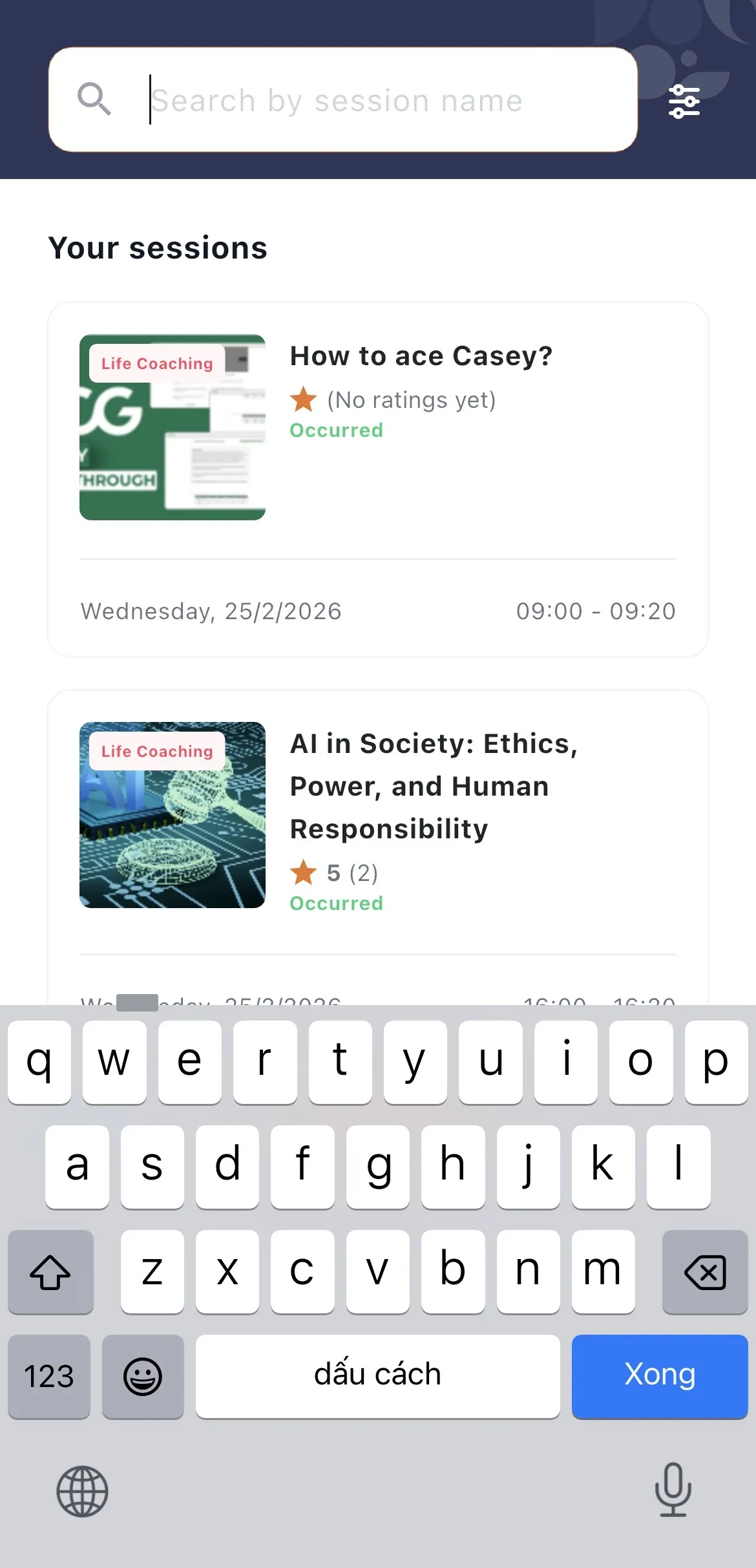
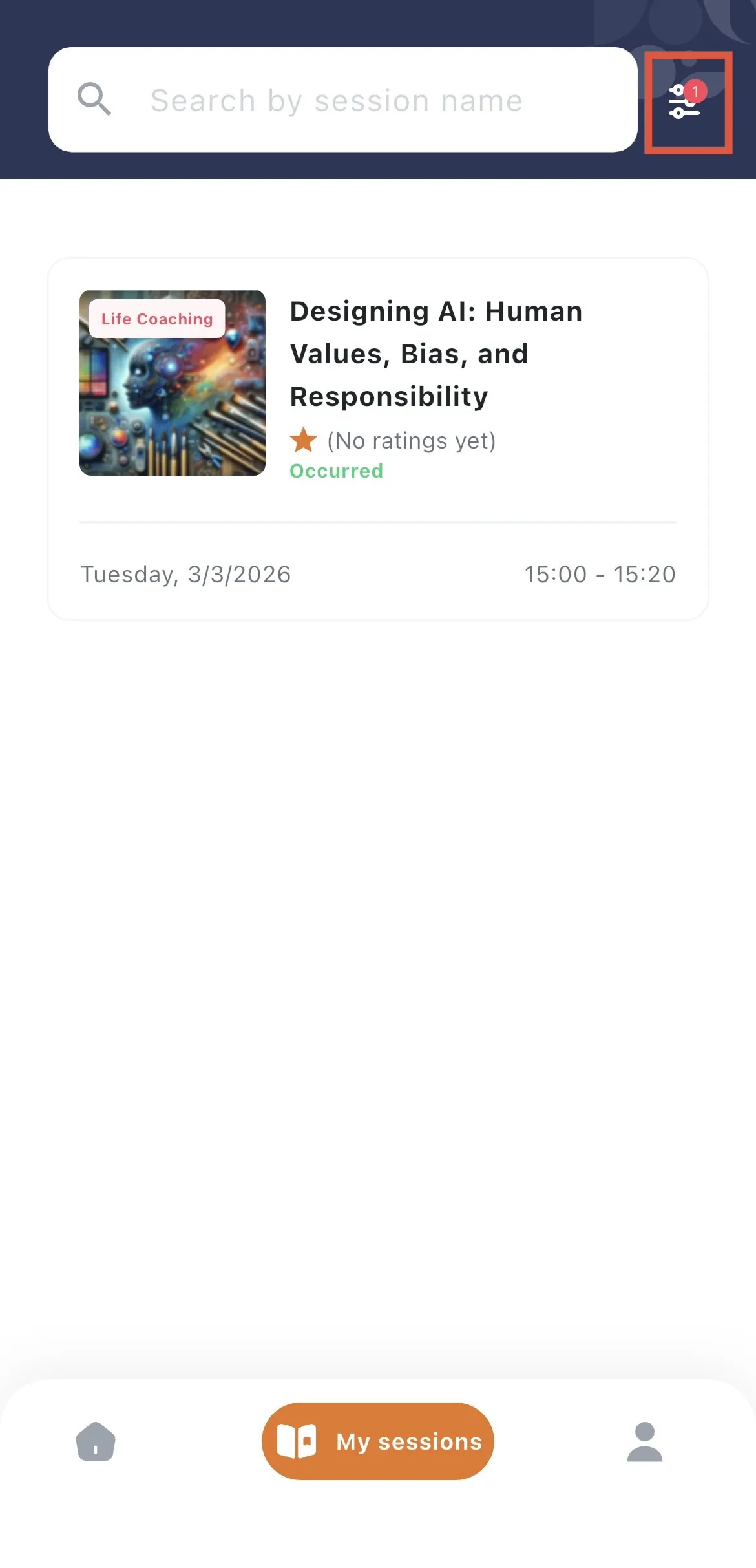
In “My Session”, you can enter keywords into the search box (as shown in the illustration) to find the desired Session more quickly.
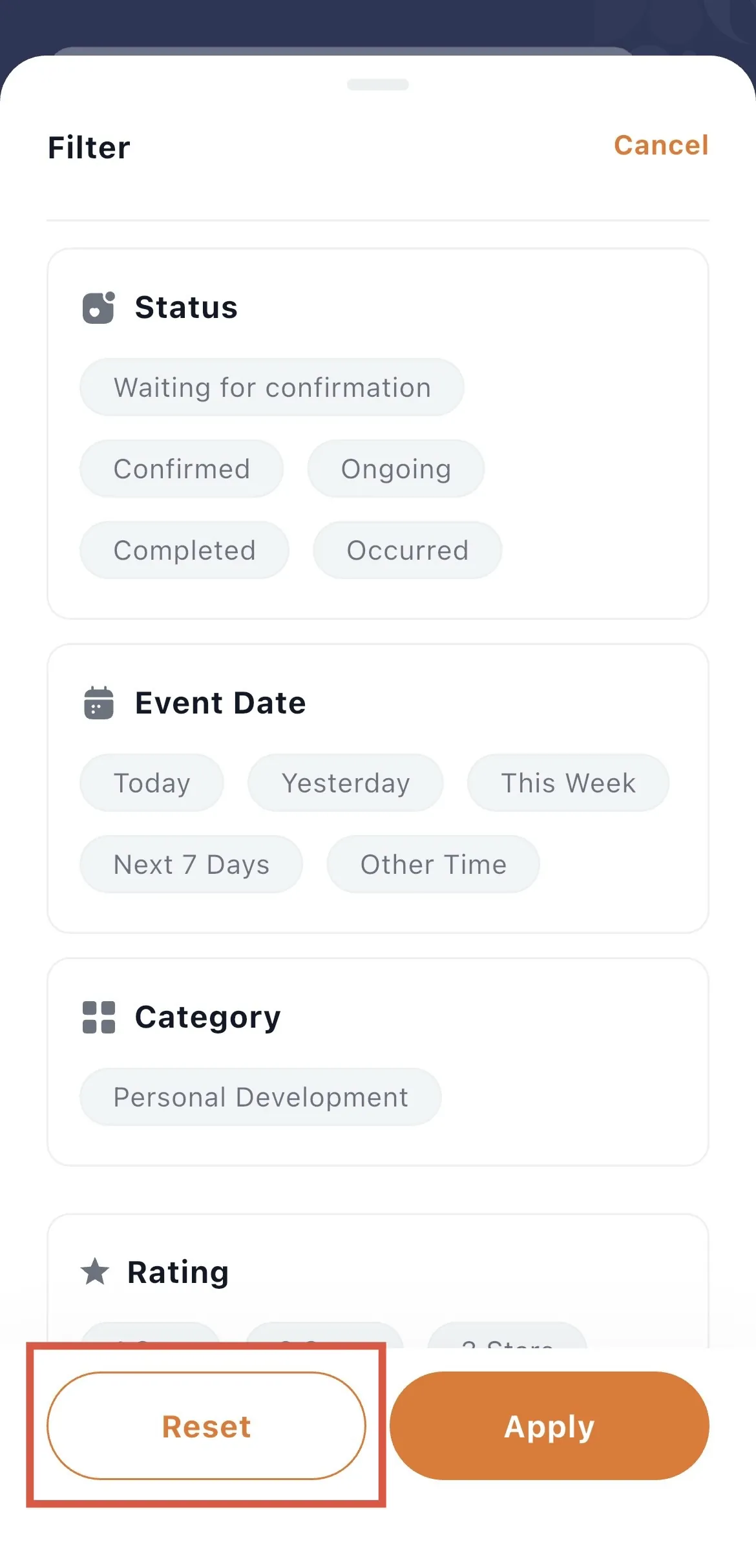
You can also filter by status, date, topic, rating, and then click “Apply” to search for the desired Session.
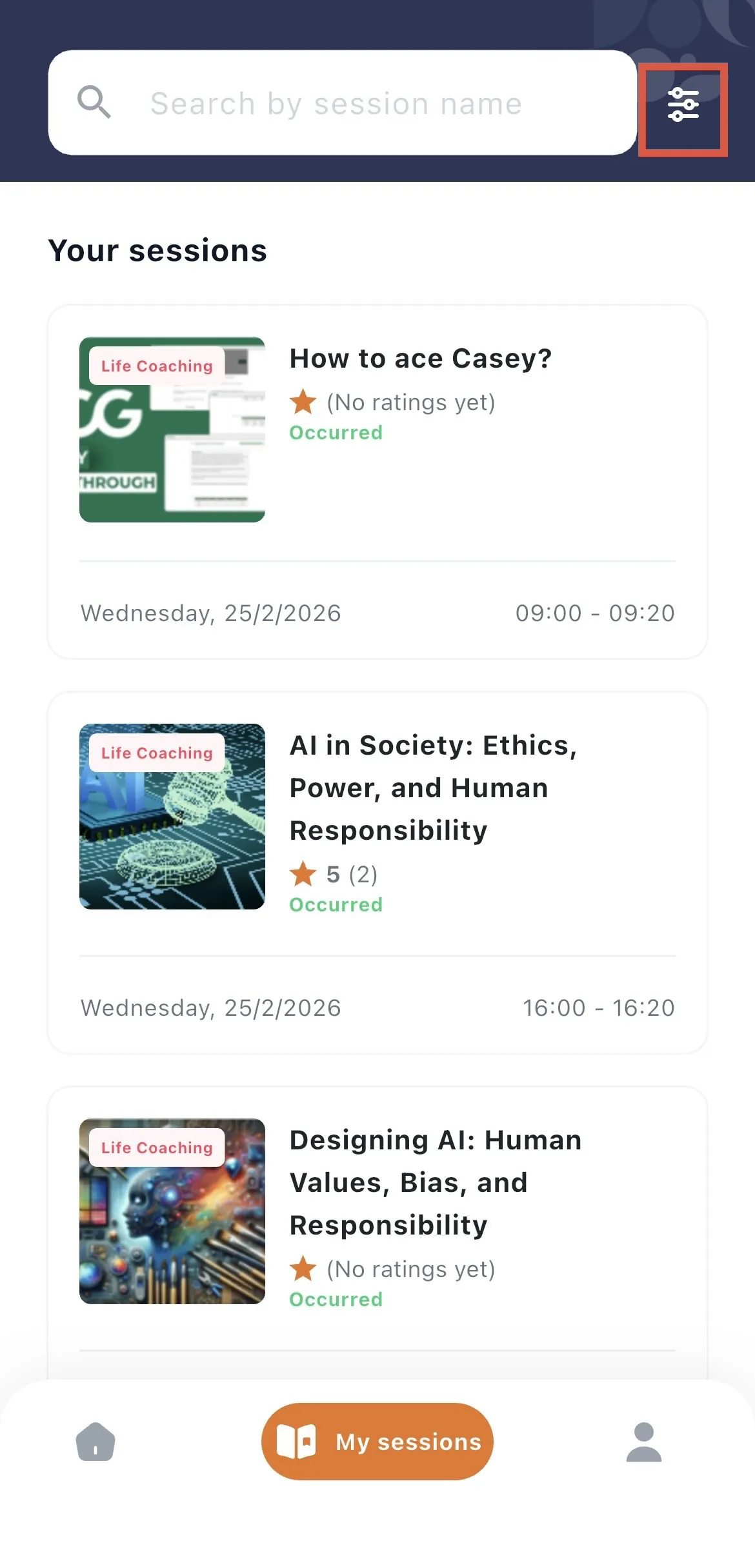
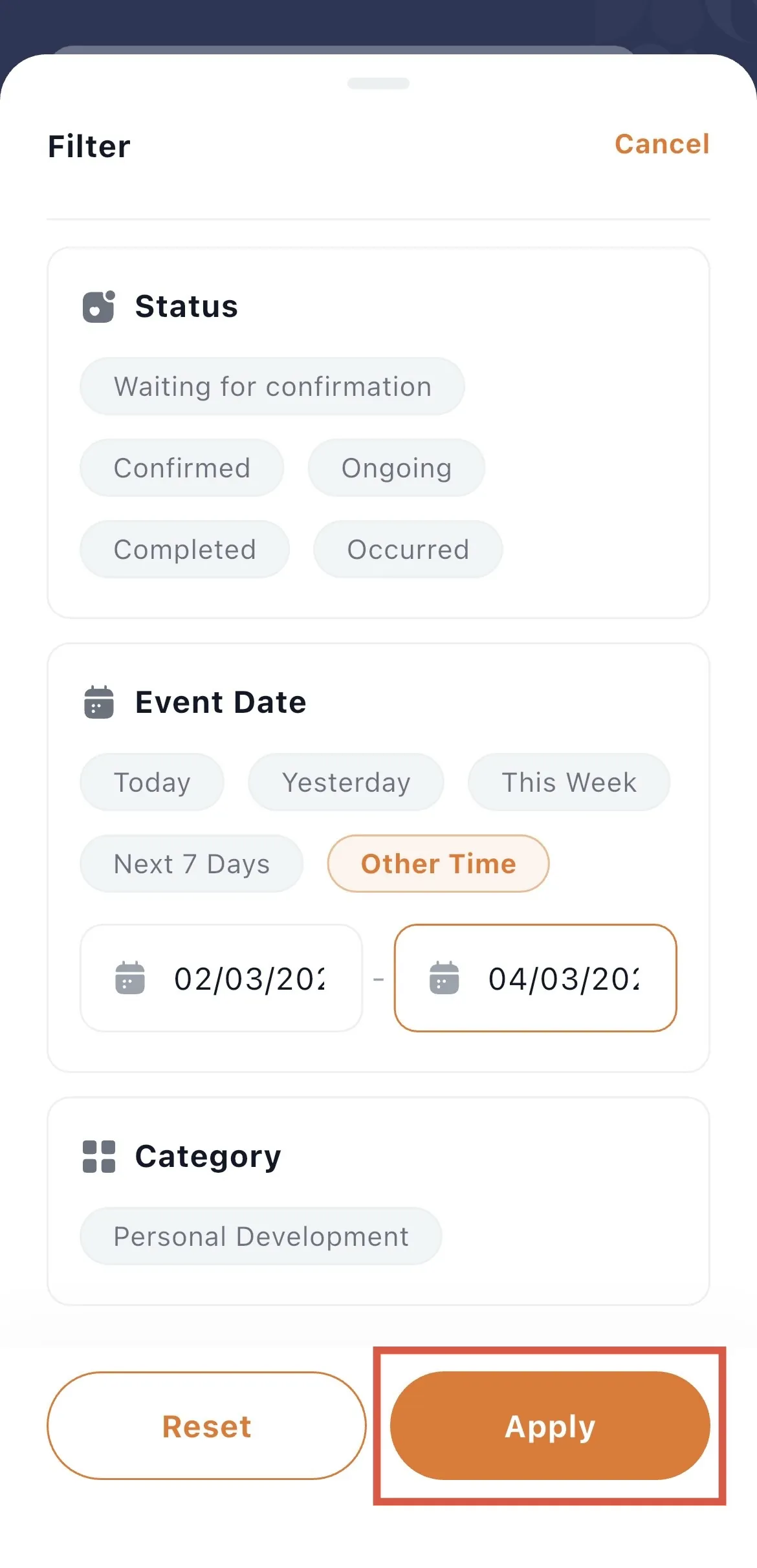
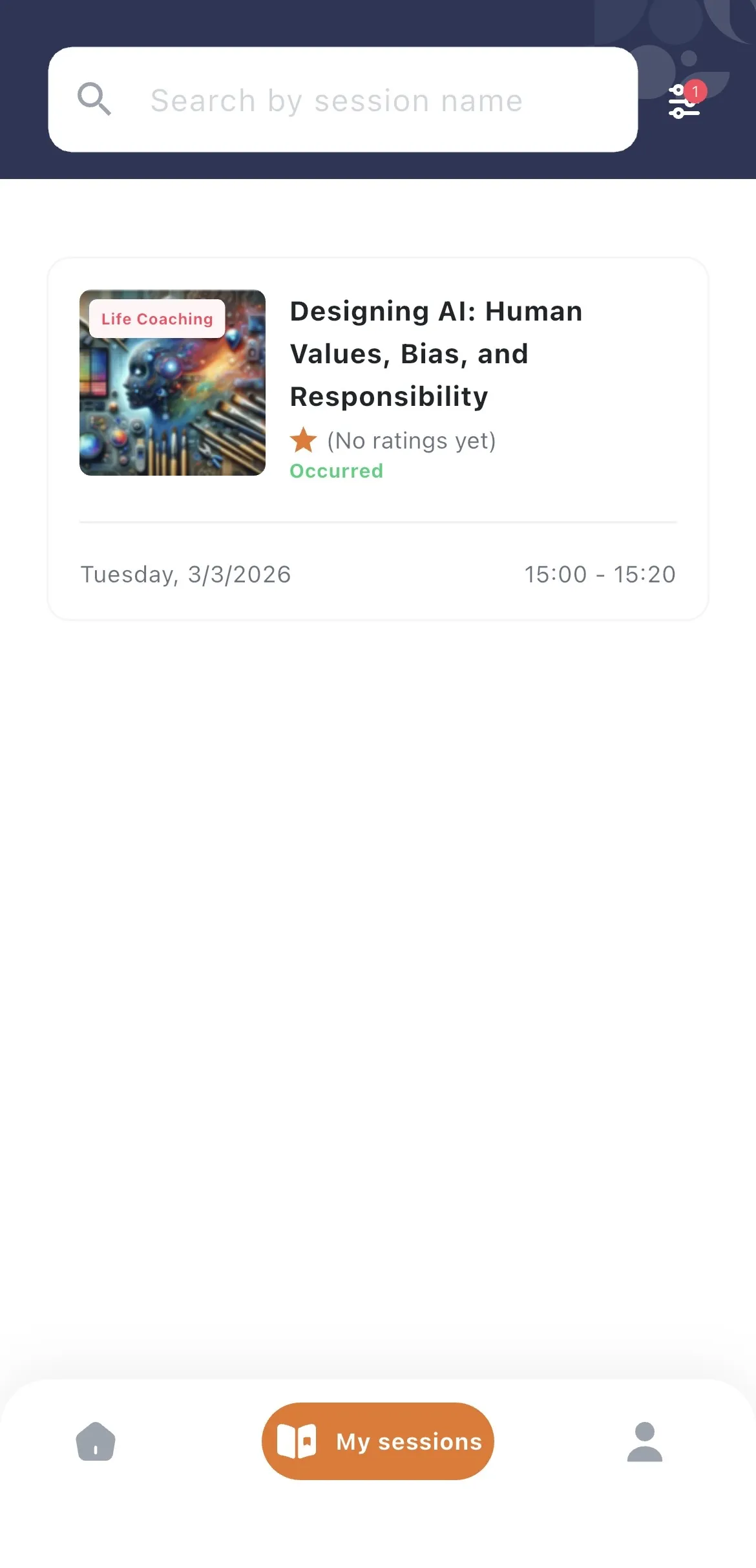
To clear old settings, click “Reset”, then select the new filter options you want and click “Apply”.
Web
In “My Session”, you can select filter fields such as Status, Event Date, Category, Rating, and Language to find the desired Session more efficiently. In the illustration, Event Date is selected to filter.
B. Viewing Connection Session Information
You can view information about the participant as well as the Session details on both the Web and the App.
App
If you want to view more information of your sessions, go to My Session and click on any session to open the details.

Screenshot
Web
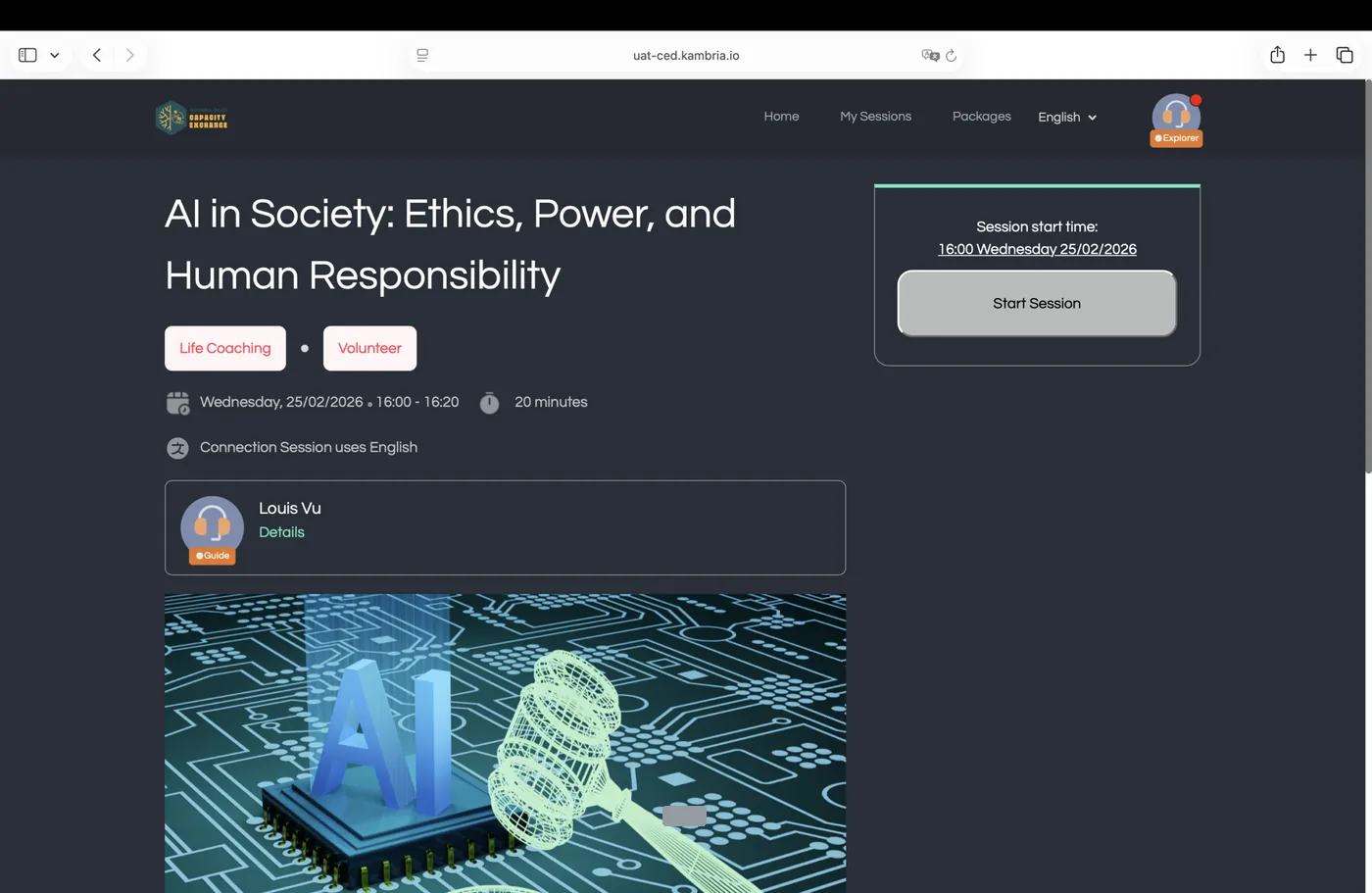
If you want to view more information of your sessions, go to My Session and click on any session to open the details.