Capacity Exchange DAO
Grant access permissions for CED
After successfully registering, please grant CED permission to access the necessary features to conduct online video Connection Sessions between Explorers and Guides.
CED Mobile App Permissions
On Apple
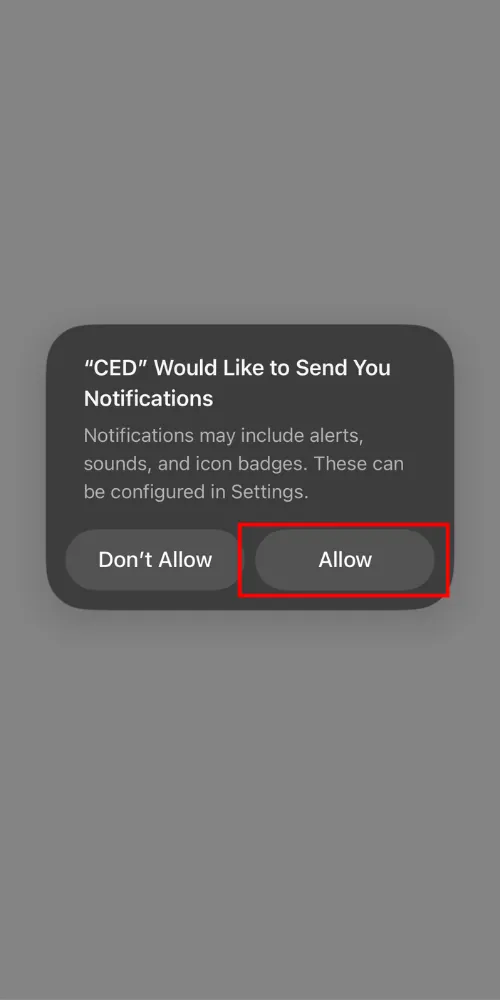
Allow notifications so you can receive reminders and confirmations during Scheduling a Session, Booking a Session, Joining a Session
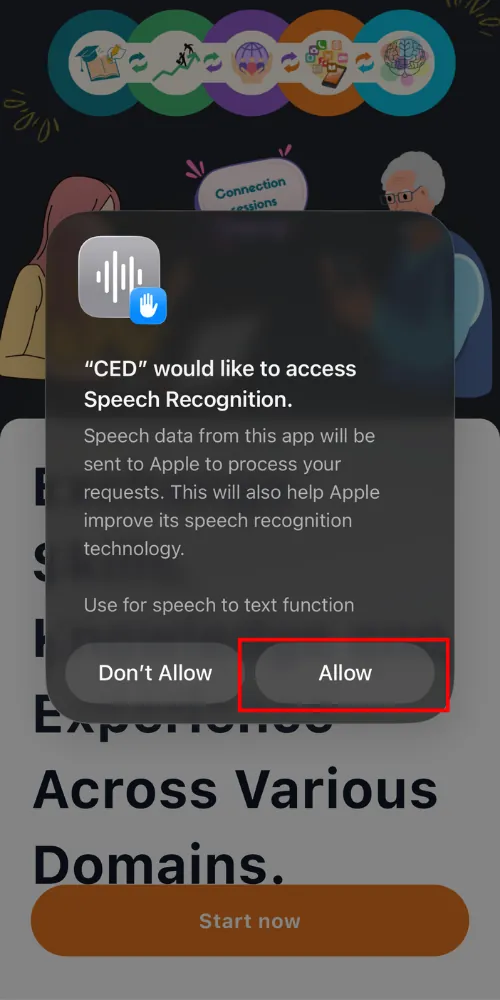
Allow speech recognition access so the AI Virtual Assistant can support your Session (e.g., assist with prompts, auto-suggestions, or note-taking features).
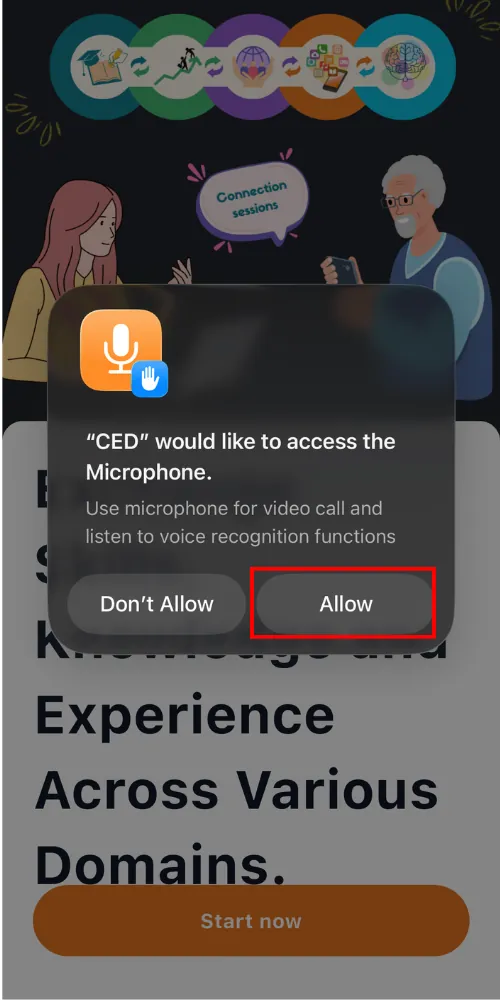
Allow microphone access for real-time communication between Explorer and Guide during the Session.
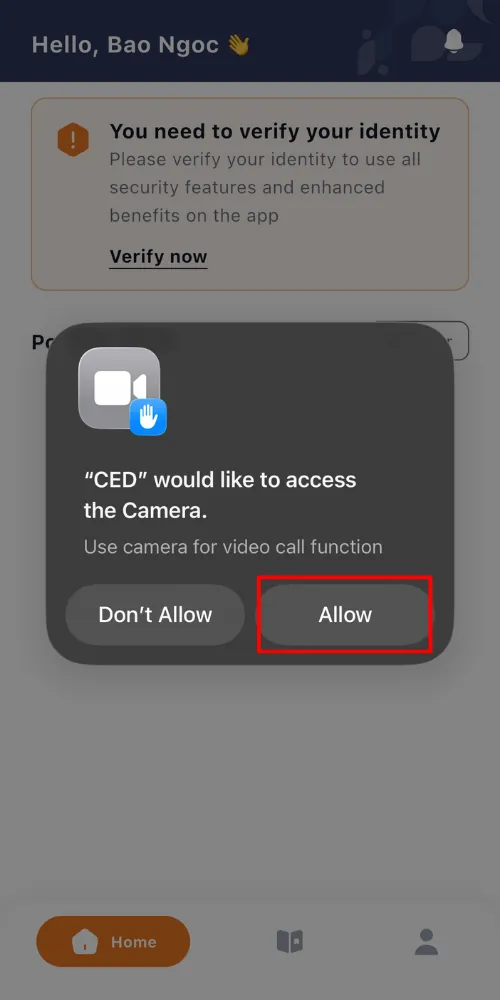
Allow camera access so both sides can see and interact with each other during the Session. [note: pop up only after login/register account]
On Android
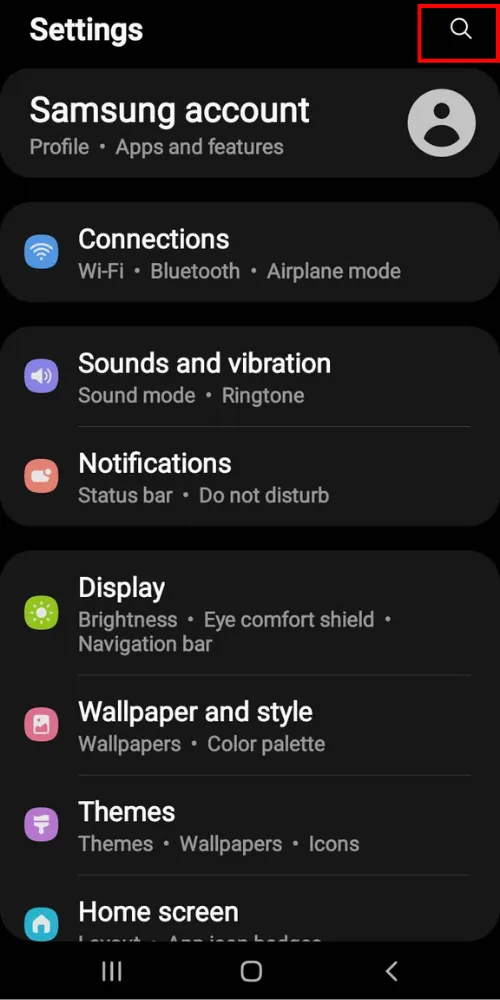
Go to Settings -> Search "Permission manager"
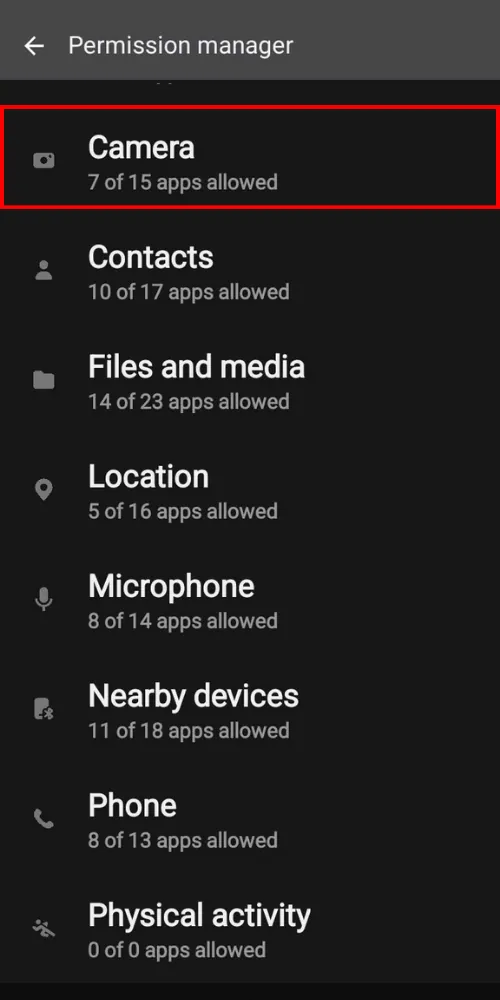
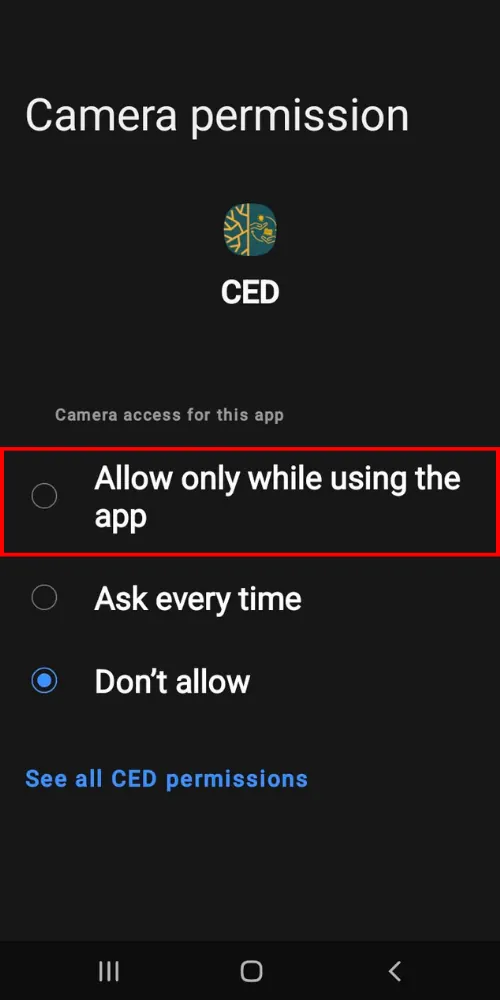
In Permission manager, click “Camera”
In Camera, choose CED
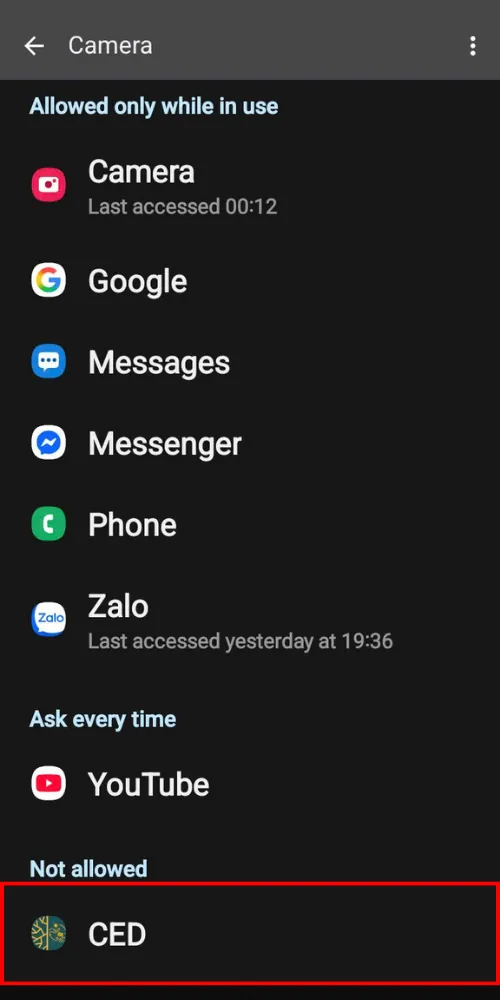
Change to “Allow only while using the app”
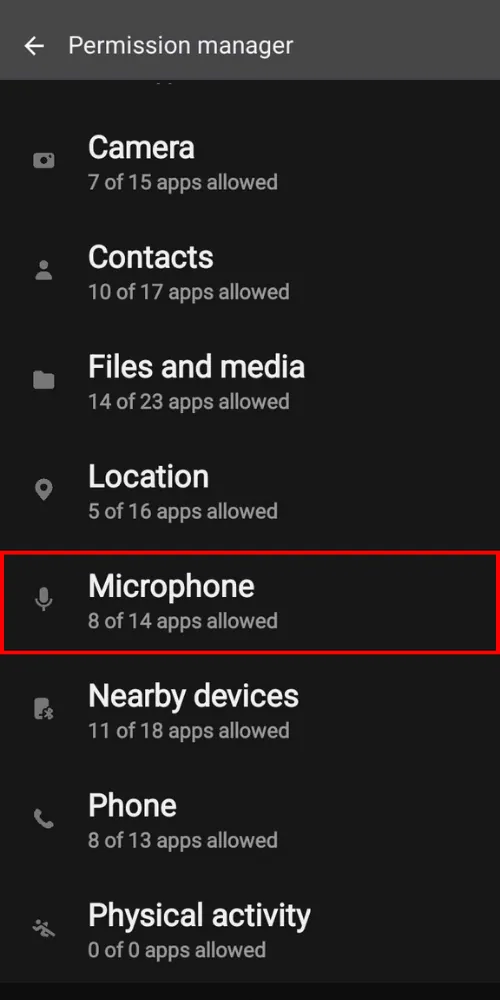
In Permission manager, click “Microphone”
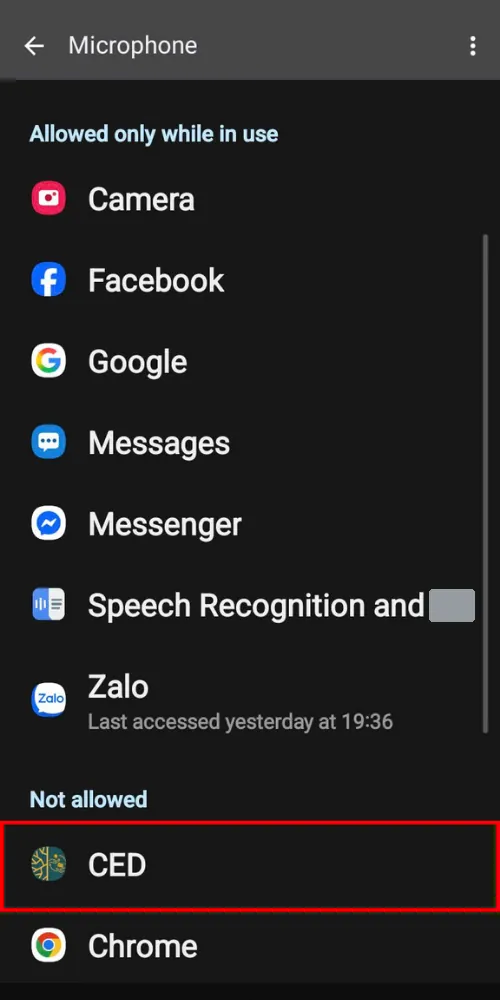
In Microphone, choose CED
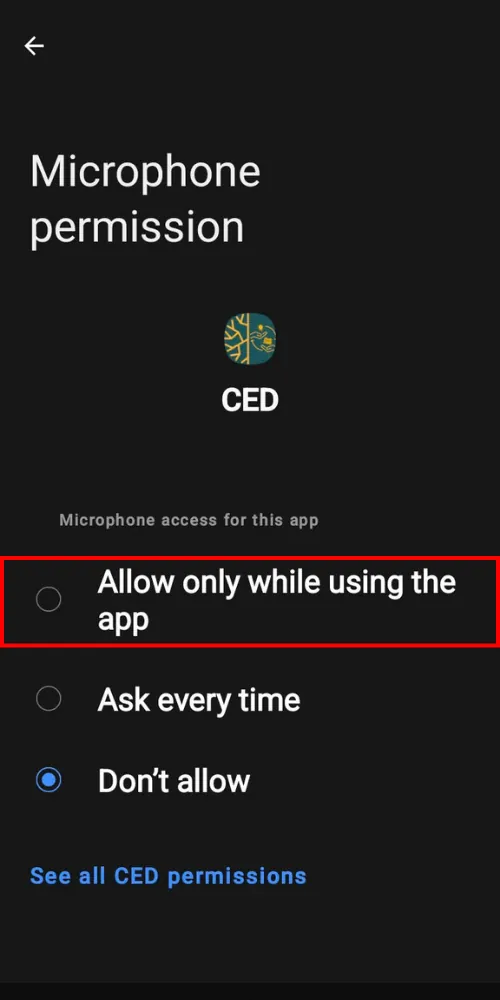
Change to “Allow only while using the app”
CED Web Permission
When using CED on the browser (WebApp), please enable:
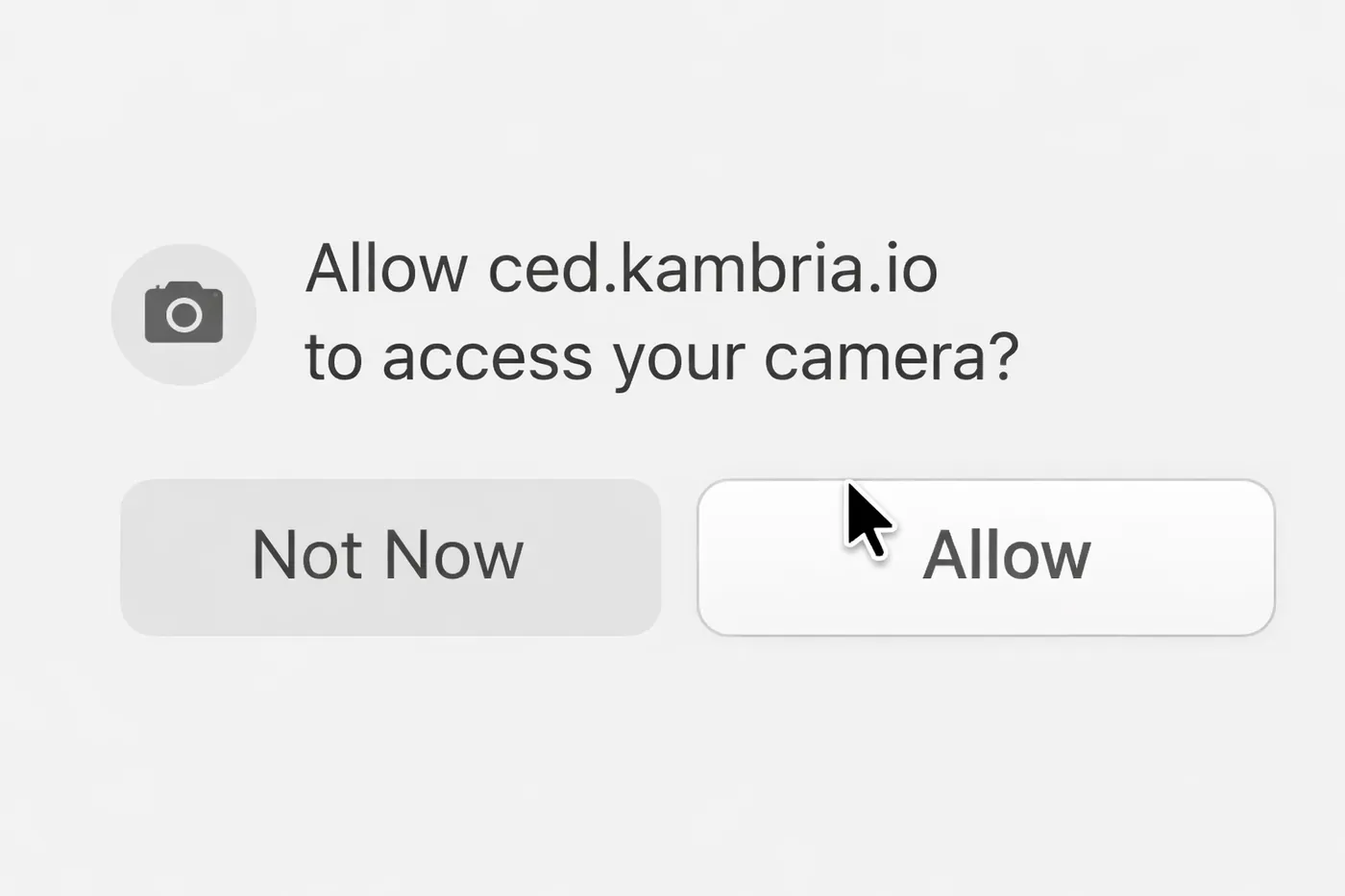
Camera access
Select “Allow while visiting the site” so you can see and interact with your Guide/Explorer during the Session.
Microphone access
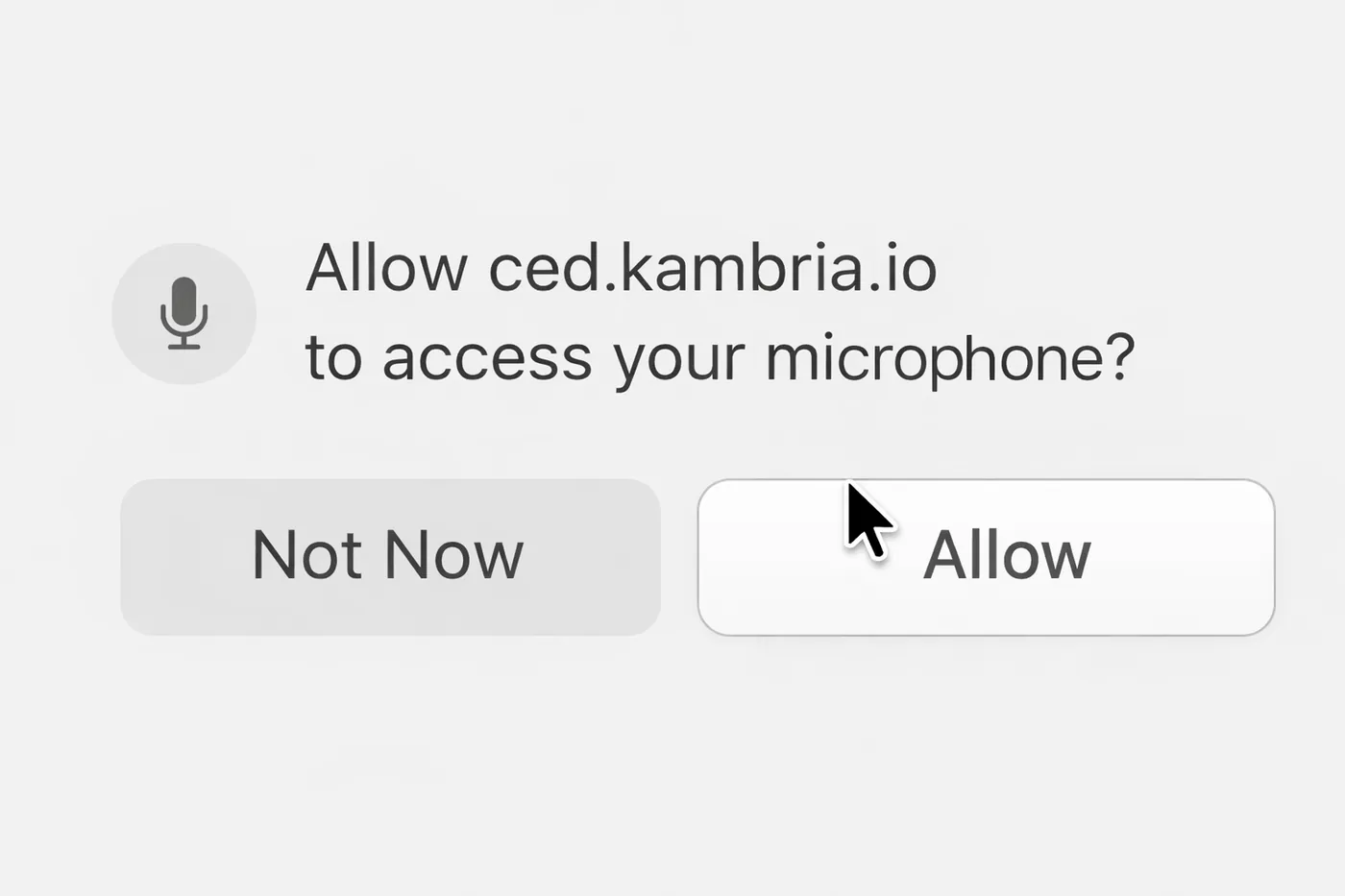
Select “Allow Microphone Access” so you can speak and listen clearly throughout the Session.