DEP – Cohort 2
Check / Import a token to MetaMask wallet
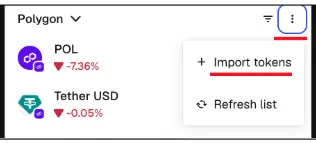
1. Go to Import tokens
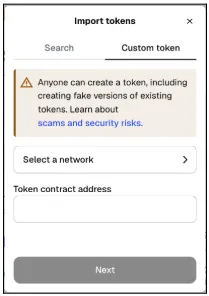
2. In tab Custom token
- Select a network: Polygon
- Token contract address: input address of the token you want to import -> the Token symbol will appear
- Click Next
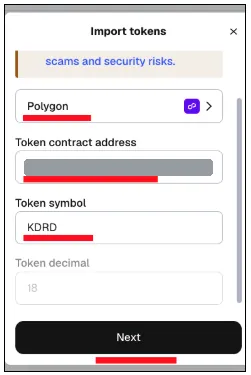
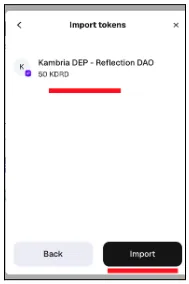
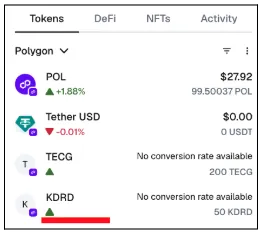
3. Click Import -> the token will be shown in the Tokens list